

Updated July 2026
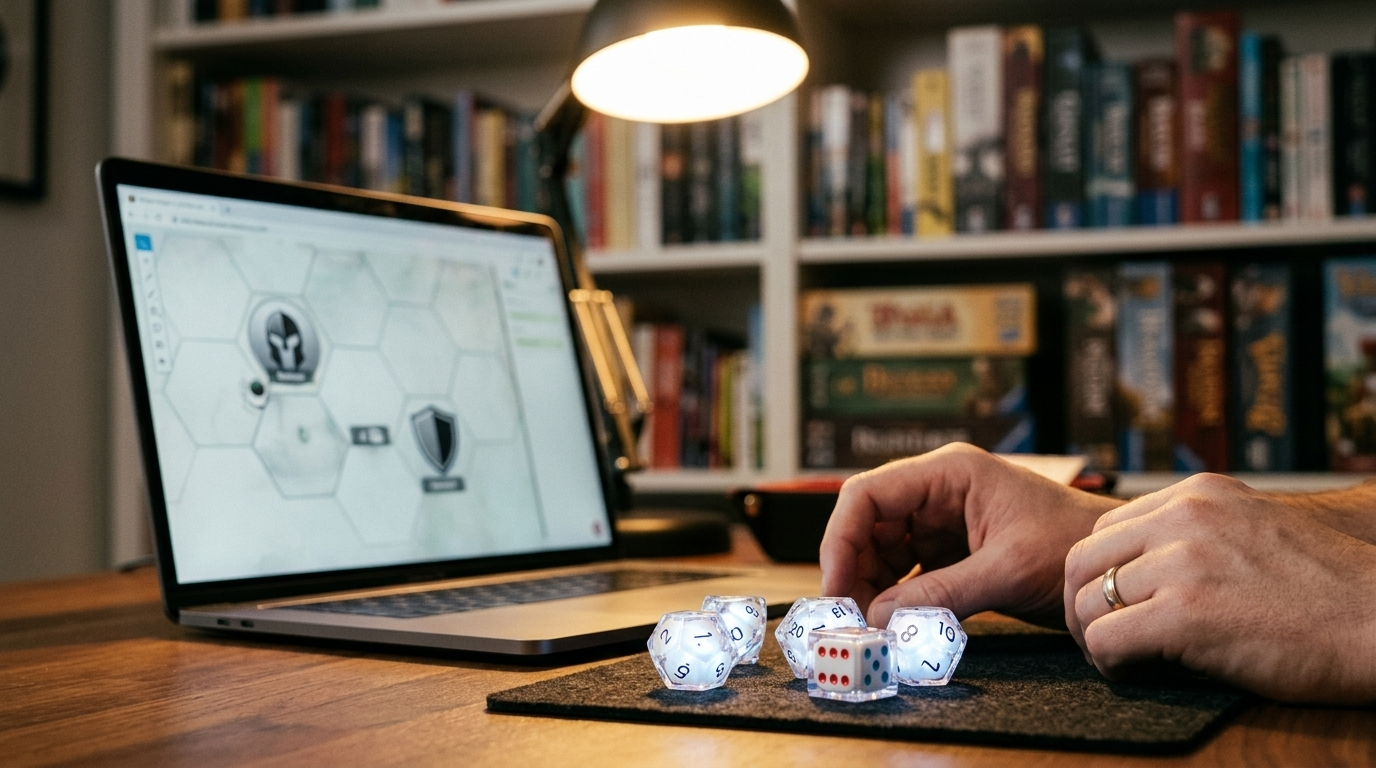
There is a special kind of optimism that shows up right before a parent decides to teach their kid chess. It usually lasts until the knight moves diagonally, the queen goes on a solo adventure, and someone asks why the king can’t just capture everything.
Teaching chess at home is hard in the most annoying way. Kids play boldly, forget rules mid-game, and repeat the same mistake with impressive commitment. Parents try to explain what went wrong, realize halfway through that they’ve turned the game into a lecture.
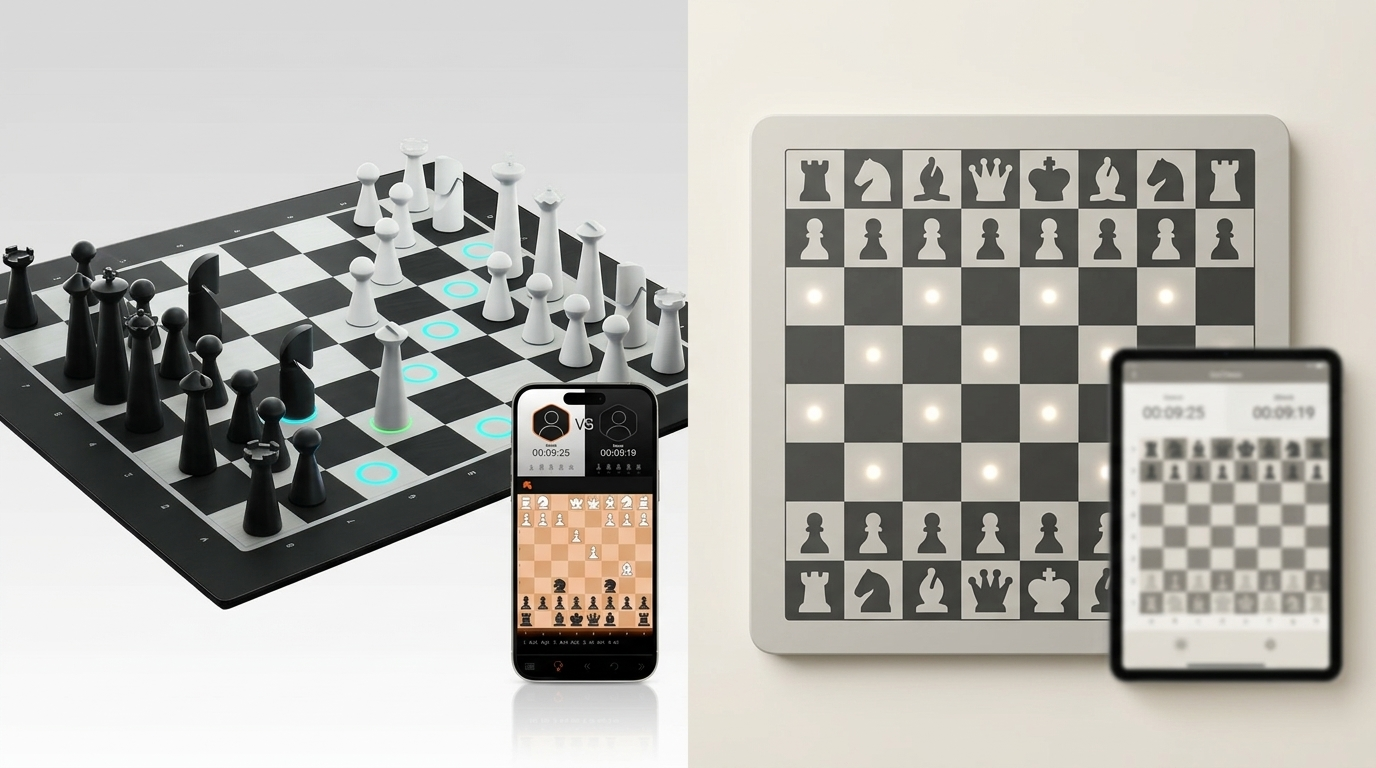
GoChess fixes this without turning parents into chess coaches. Instead of stopping the game to explain, the board reacts while the move is still a decision. That’s the whole “don’t bore them” cheat code.
This article breaks down how parents can use GoChess to teach kids chess at home, from the first moves to a real game. It shows how the board’s real-time coaching helps kids learn naturally, make fewer chaotic mistakes, and actually want to keep playing.
What GoChess Is and Why It Works So Well for Kids

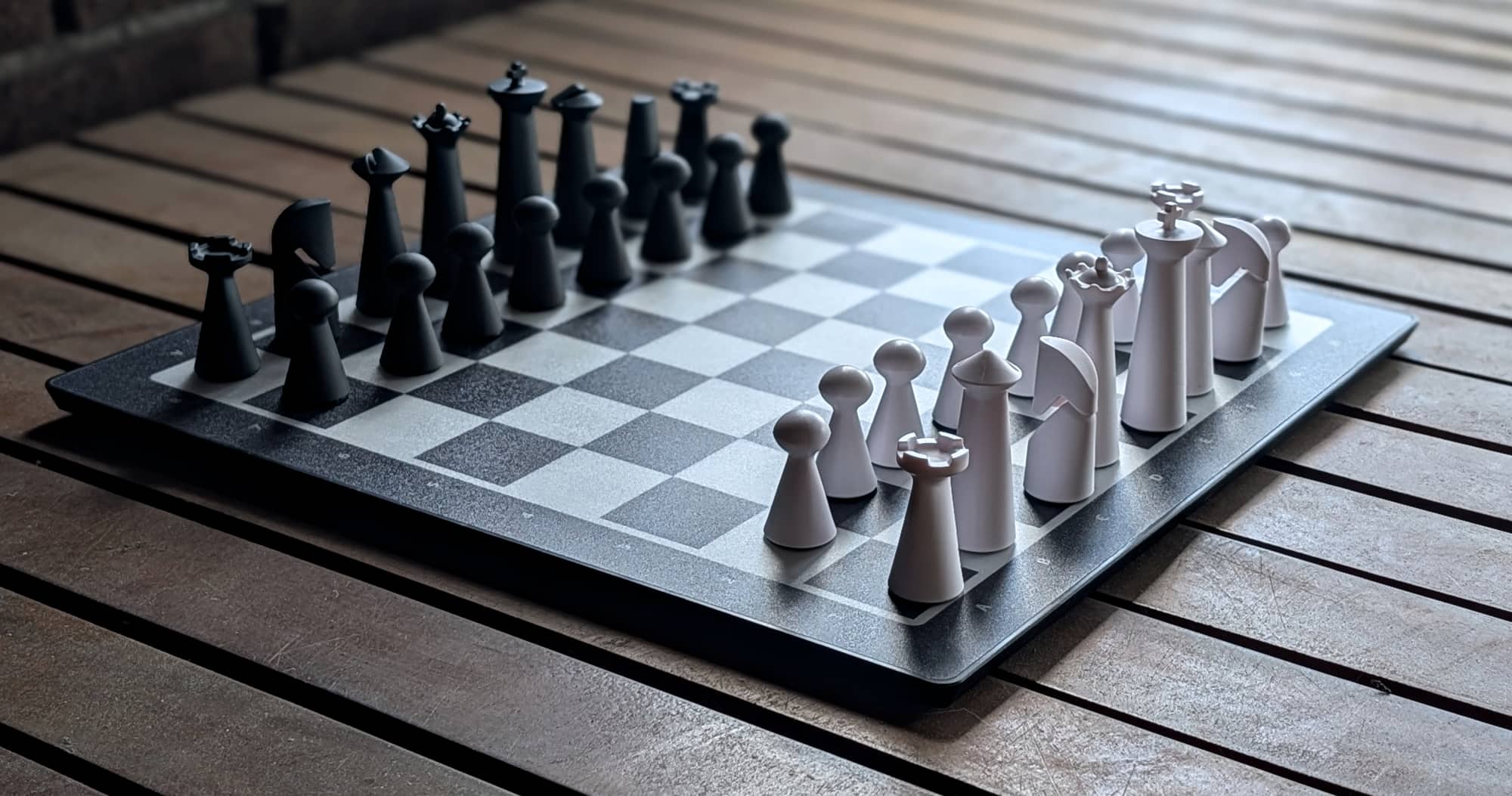
GoChess, the world’s smartest chessboard, looks like a regular chessboard, and that’s a big reason it works. Unlike most smart chess boards that feel like “tech first, chess second,” this one still feels like real over-the-board play. For kids, it still feels like actual chess, not a learning app disguised as one.
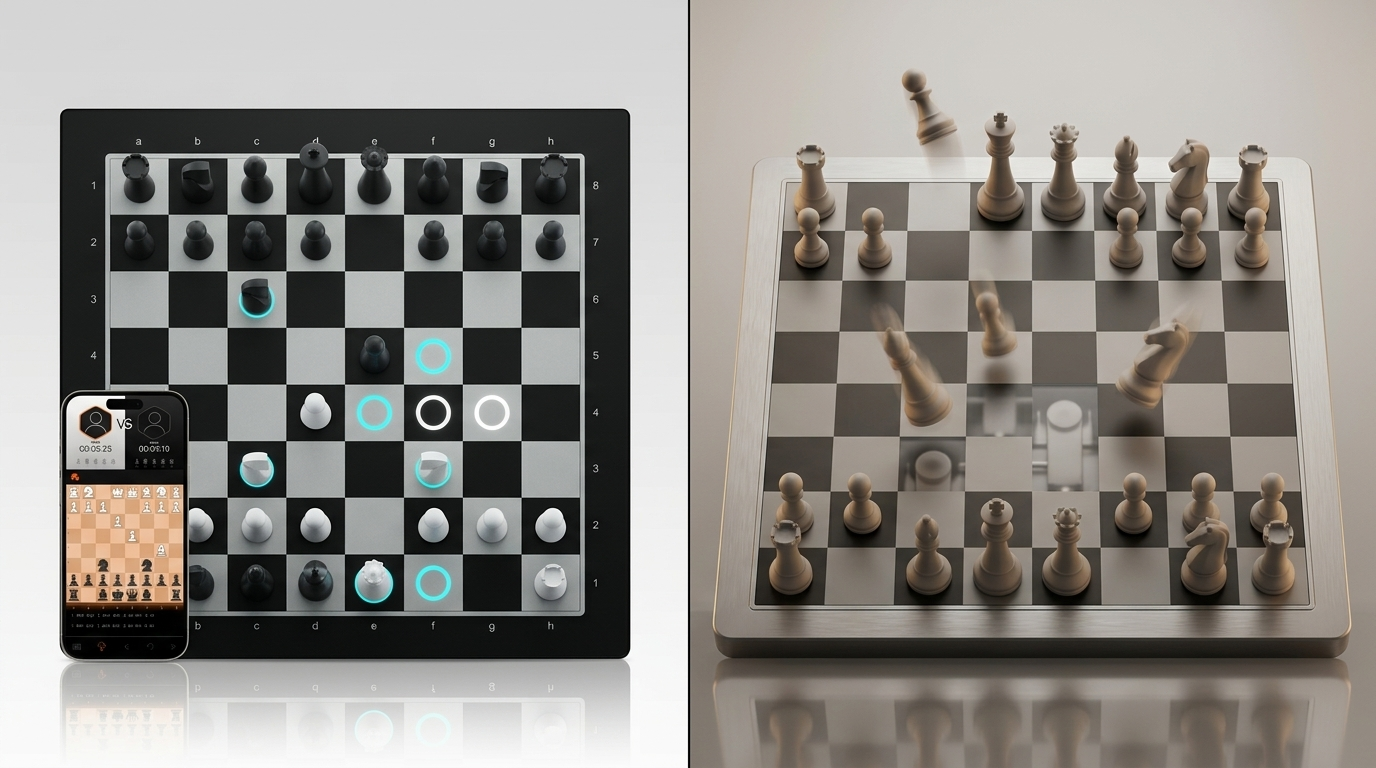
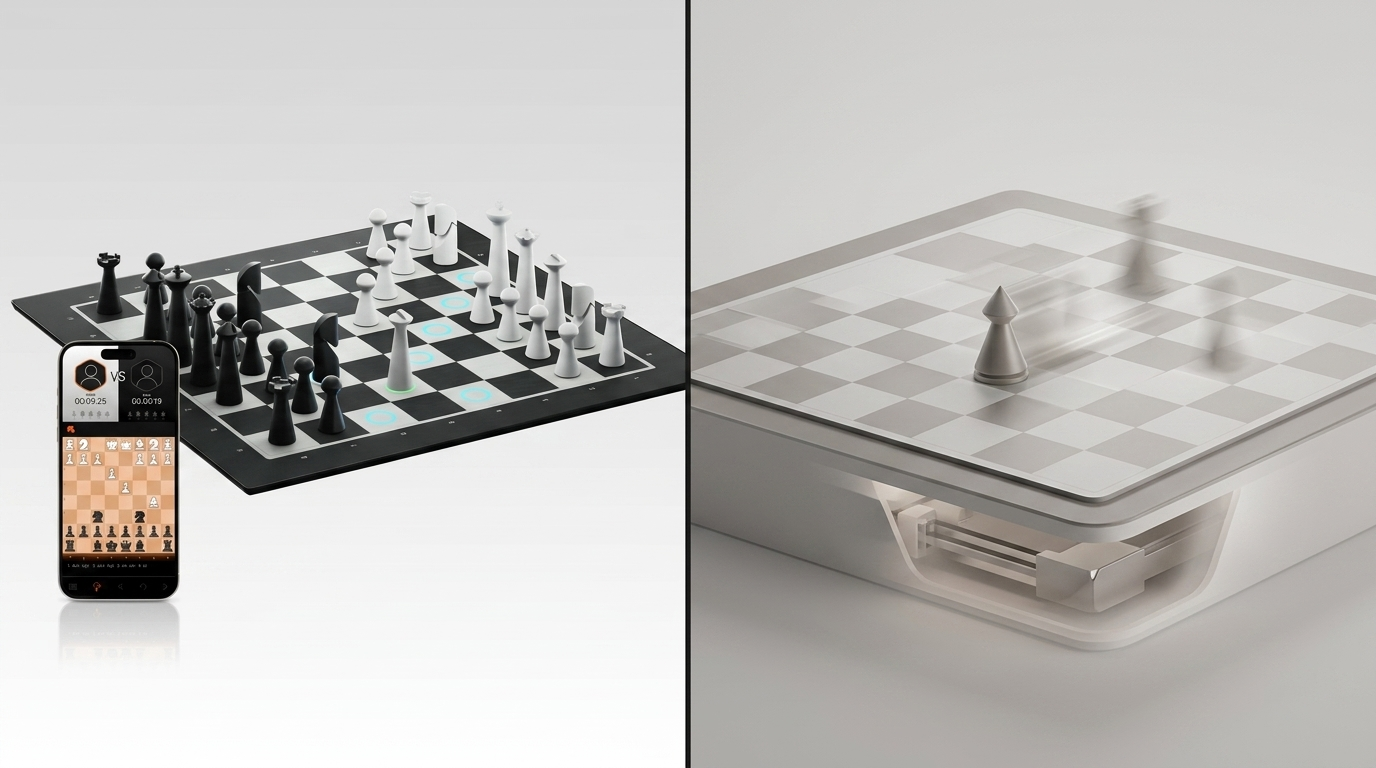
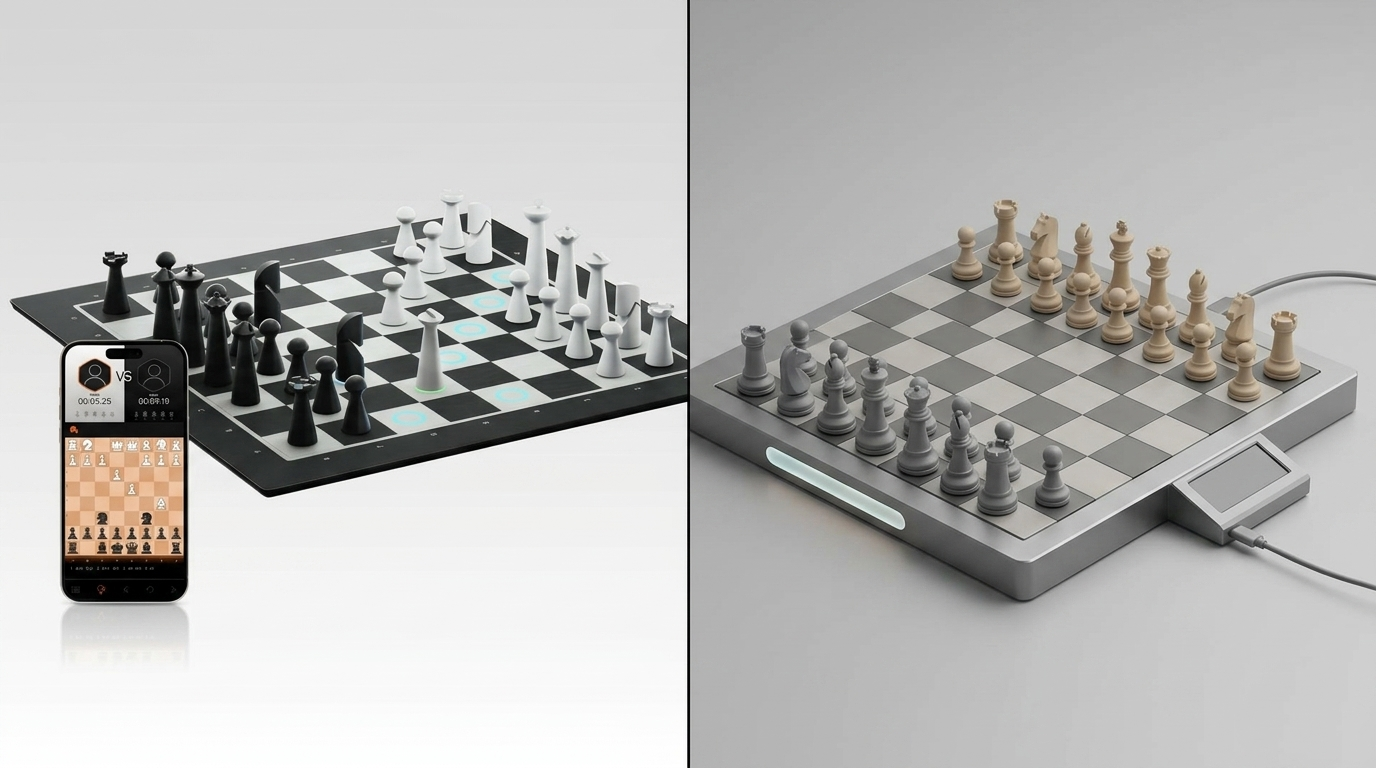
What makes GoChess different is that the board knows what’s happening during the game. Every piece is tracked, so when a child lifts a piece, the board can respond immediately. That means guidance shows up in the moment, while the child is still figuring the position out.
Here’s how that helps kids stay engaged longer:
-
Real-time guidance, not interruptions
The board uses soft LED lights to react while a move is still a decision. Kids don’t need to stop the game to get corrected, so the flow stays intact.
-
Clear visual hints instead of long explanations
Depending on the settings, the board can show legal moves, gently warn about a bad move, or highlight a strong option. Kids see the problem instantly instead of hearing a long, boring explanation.
-
Adjustable help that grows with the child
All AI coaching is controlled in the app. Parents can turn hints on or off, keep them very basic for beginners, or reduce them as kids improve. One child can even play with guidance, while another plays without it.
-
Multiple ways to play without changing the board
Kids can play face-to-face with a parent or sibling, practice alone against an AI with 32 difficulty levels, roughly from 400 to 3000 ELO, or later play online (Chess.com or Lichess) against real opponents while still using physical pieces.
-
Extra Ways to Keep Kids Interested
The app also gives kids more than one way to stay engaged between games, with extras like daily puzzles and different play modes that keep chess feeling fresh without needing to turn every session into a full match.
-
Learning doesn’t disappear after the game ends
Games can be saved, resumed, and reviewed later, which helps kids see progress and understand patterns over time. Sometimes a quick puzzle or a short game is enough to keep chess in their routine.
What GoChess doesn’t do is just as important. It doesn’t play the game for the child or force the best move every turn. It doesn’t turn chess into homework. It simply removes the most confusing parts of learning and replaces them with calm, in-the-moment guidance.
For kids, that means fewer random moves and fewer sudden disasters. For parents, it means fewer interruptions and more games that actually make it to the end.
The Kid Chess Learning Journey and How GoChess Fits Each Stage

Kids don’t learn chess in a straight line. They learn it in loops. One day, they’re obsessed with the queen. The next day, they’ve decided pawns are pointless. Then they discover checkmate exists, and suddenly everything is about chasing the king.
The job isn’t to explain chess perfectly. It’s to keep the game playable while the kid’s brain is still building the map.
And to keep it not boring, you need one thing: momentum.
If the game keeps moving, they stay in it. If the game stops for explanations, they emotionally teleport to Minecraft.
This is where GoChess becomes less like a fancy board and more like a parent’s secret helper. It lets you keep support high at the start, then scale it back as your kid gets more confident, so they’re still thinking, not just following lights.
Stage 1. The First Moves Phase
This stage is pure chaos, but also the easiest to win as a parent. Kids don’t need a strategy yet. They need clarity and tiny victories.
How GoChess helps here:
- Legal move lighting makes it easy here. No arguing, no guessing.
- The board helps the round stay smooth, so you’re not pausing every turn to explain how bishops work again.
- You can keep games short and fun without the kid feeling lost.
Questions to ask:
1. Ask: “How does this piece move?” Legal move lighting reinforces that movement pattern in the moment.
2. Ask: “What can I capture from here?” This helps kids connect movement to purpose, not just motion.
3. Ask: “What is this piece protecting?” Even very early on, this builds awareness that pieces do more than travel.
Try this mini game: play micro-games inside the rules.
Example: “Treasure Hunt” – ask them to find a legal move that captures something. First capture wins.
Parent wins: fewer rule debates, more actual turns.
Stage 2. The Hanging Pieces Era
This is the classic stage where kids start playing faster, but their pieces start disappearing even faster. They’ll proudly move a knight and accidentally leave the queen hanging like it’s a donation.
How GoChess helps here:
- Blunder alerts are the calmest possible way to say “maybe don’t do that” without a full parent speech.
- Kids start learning the habit of checking danger before moving, because the board reacts in the moment.
- You can keep the game feeling fair even when kids are still building attention and patience.
Questions to ask:
1. Ask: “What pieces of mine are attacked right now?” This teaches them to spot hanging pieces, meaning unprotected or easily lost pieces.
2. Ask: “What piece will be attacked after my move?” This builds the habit of scanning one move ahead instead of only looking at the square they want.
3. Ask: “If I move this piece, is it still protected?” This is the core of basic threat-checking.
If they’re fading, do this: make it a challenge, not a correction.
When the blunder alert happens, ask: “Okay, what do you think the board is worried about?” One guess. Then they move.
Parent win: fewer dramatic moments over one move that “was totally fine.”
Stage 3. The Thinking Phase
This is where kids begin to understand that chess isn’t moving random pieces, it’s making plans. They still make mistakes, but now they want to know why something was bad, not just hear that it was bad. This is when basic chess strategy for beginners actually starts sticking.
How GoChess helps here:
- You can reduce training wheels and keep guidance only for key moments.
- GoChess becomes more of a checkpoint than a crutch, helping kids learn to self-correct.
- Face-to-face games get way more enjoyable because you’re not babysitting every decision.
Questions to ask:
1. Ask: “What is my opponent threatening?” This shifts them from reacting to the board to reading the position.
2. Ask: “What changes after my move?” That includes attacks, defenses, open lines, and loose pieces.
3. Ask: “Do I have a simple tactical idea?” This can mean a fork, pin, skewer, capture, or a basic discovered attack.
Quick parent move: keep it snappy and game-like.
Try the “Two-Plan Rule”: before touching a piece, they say two ideas (“attack this”/“defend that”). It’s fast, it feels like a challenge, and it builds thinking without turning into a class.
Parent wins: less teaching, more playing.
Stage 4. The Real Games Stage
Now, kids want real opponents, real pressure, and real wins. They don’t want parent coaching. They want independence.
How GoChess helps here:
- They can play online while still using real pieces, which keeps the experience grounded in physical play instead of turning it into just another screen-based game.
- Games can be saved and reviewed later, which is where improvement actually starts showing up.
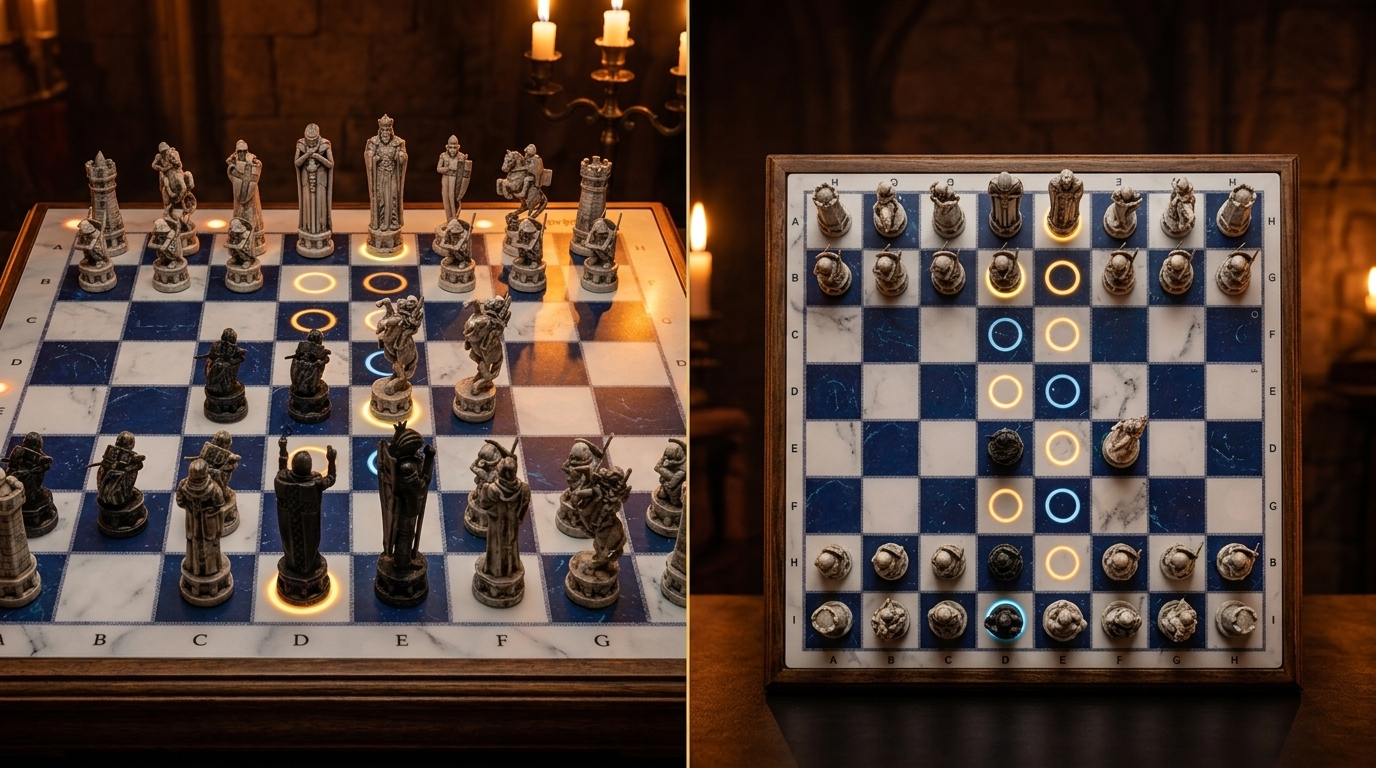
- If your teen loves the magical vibe, GoChess Wizard is an easy hook here because it makes the board feel like a collectible, not a lesson.
Questions to ask:
1. Ask: “What was the moment the game started going your way?” This helps kids notice turning points instead of only remembering whether they won or lost.
2. Ask: “Where did the position get difficult for you?” This gets them to reflect on pressure, mistakes, and confusing moments without making it feel like a post-game lecture.
3. Ask: “What would you try differently next time?” This keeps the focus on improvement and independence, not just replaying the loss or celebrating the win.
Anti-boring move: go to “silent mode.”
No commentary. No coaching. If they ask what you think, you’re allowed to just say: “Interesting.”
Parent wins: you’re no longer the coach, you’re just the person who owns the best chess setup in the house.
The Best GoChess Setup for Teaching Kids
The biggest parenting win with GoChess is that you can set it up once, and then stop reinventing chess lessons every time your kid sits down.
Choose the Right Board Version
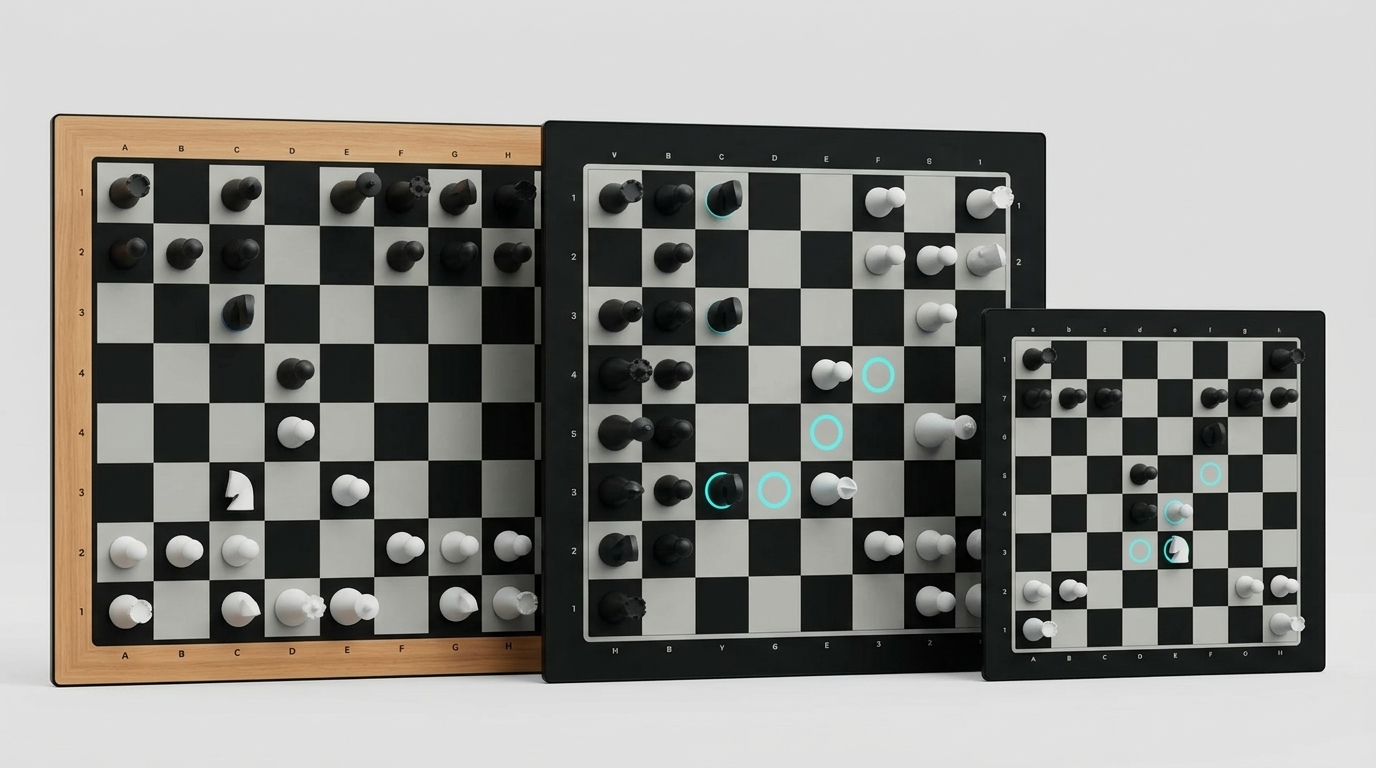
- GoChess Lite Modern is the full-size “home base” board. Best if chess will live on a desk or table and becomes a regular habit. It feels the most like classic over-the-board chess, just… smarter.
- GoChess Lite Classic is the same full-size idea, just with a more traditional, classic-board vibe. If you want it to look like a timeless chess set in your home (and not a gadget), this is the one.
- GoChess Mini is the portable option. Great for smaller spaces, travel, grandparents’ houses, or kids who want to carry their chess obsession from room to room. It still gives the core GoChess experience, just in a more flexible format.
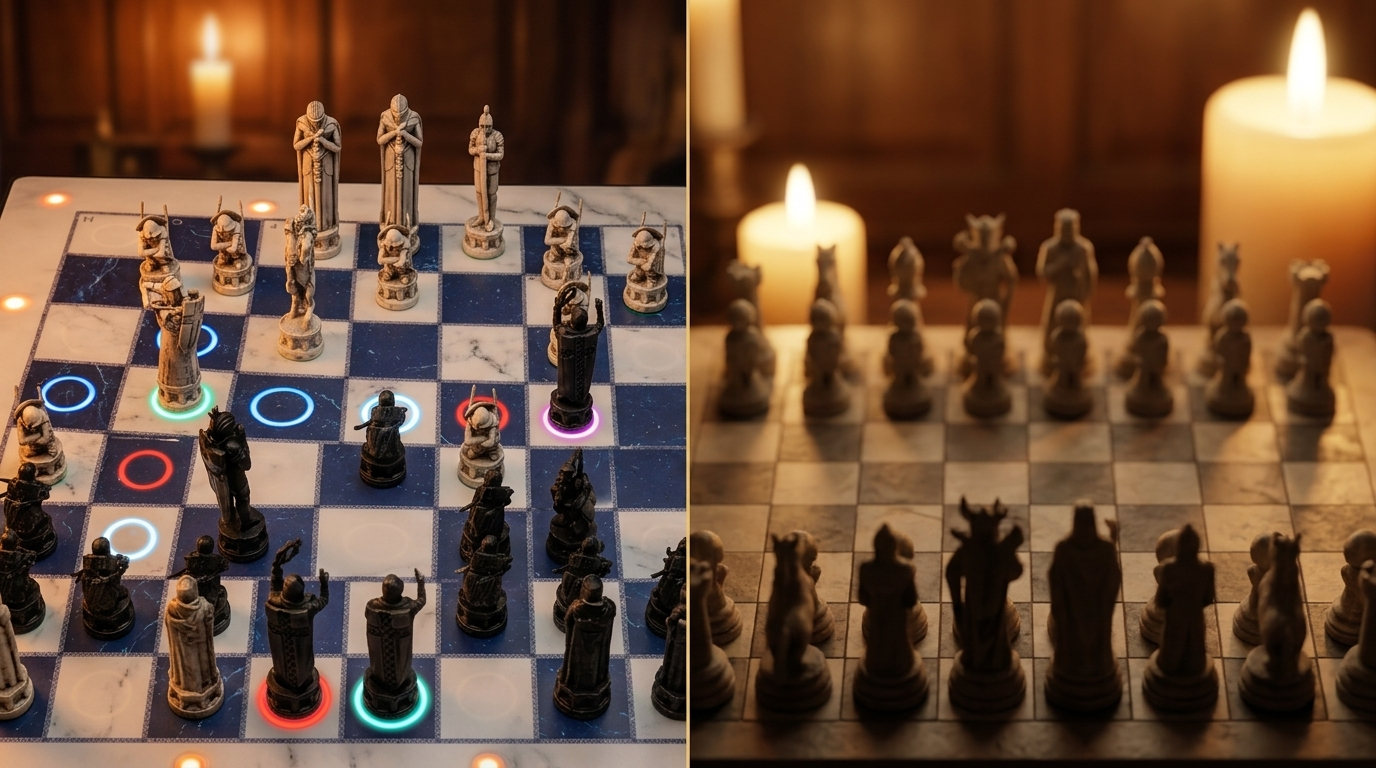
And if your kid is already the type to get obsessed after a good story (wizard school, fantasy quests, or even a random weekend of chess movies), Wizard makes chess feel like a world, not a worksheet.
-
GoChess Wizard is basically the artifact version. It leans into a magical, wizard-school vibe that instantly clicks with kids who adore Harry Potter energy and fantasy worlds. It’s still real chess with real learning, but the motivation shifts. Kids don’t feel like they’re practicing. They feel like they’re initiating a spell duel with rooks. Which, honestly, is how many kids want to learn anyway.

How Each Setting Shows Up on the Board
The coaching settings sound technical at first, but in practice they are very simple. Each one changes how much help the board gives in the moment, so parents can match support to the child instead of using the same setup for every stage.
Legal move lighting
- What the kid sees: squares light up to show where that piece can legally go.
- When to use it: right away, especially for younger kids still learning how pieces move.
- What you say: “Show me where this piece is allowed to go.”
Best piece pick
- What the kid sees: the board points them toward a piece worth looking at, so they are not choosing completely at random.
- When to use it: when your child freezes, rushes, or has no clue where to start.
- What you say: “Why do you think the board wants you to look at that piece?”
Best move suggestion
- What the kid sees: the board gives a stronger hint toward a good move.
- When to use it: only when they are stuck, frustrated, or need one rescue moment in the game.
- What you say: “Before you follow it, what do you think that move is trying to do?”
Blunder alerts
- What the kid sees: a warning that their move would leave something hanging or walk into a bad trade, like losing the queen next turn.
- When to use it: once they know the rules but still miss danger all the time.
- What you say: “What do you think becomes unsafe if you play that?”
Piece-placement error cue
- What the kid sees: the board signals that a move was not registered cleanly.
- When to use it: always, because kids love sliding pieces like they are in a movie.
- What you say: “Reset it cleanly and try again.”
GoChess Coaching Presets That Work for Kids
These presets keep parents from constantly adjusting knobs and wondering if they’re “helping too much.” Use them like training wheels you can loosen over time.
First-time learner preset
- Turn on: best piece pick, blunder alerts
- Turn off: best move suggestions
Why it works: kids learn rules and stay in the game without feeling corrected every turn
Confidence builder preset
- Turn on: best piece pick, blunder alerts
- Turn on lightly: best move only when stuck one or two times per game
Why it works: they still think first, but they don’t spiral when they hit a wall
Tactics trainer preset
- Turn on: blunder alerts
- Turn off: best piece pick
- Use: best move as a checkpoint, not a constant guide
Why it works: it trains awareness and pattern recognition without spoon-feeding
Sibling fairness preset
- Turn on: hints for the younger or newer player
- Turn off: hints for the stronger player
Why it works: the game stays fun for both, and nobody has to pretend losing is “character building.”
Real-World Proof of What Parents Say GoChess Feels Like for Their Kids
One of the cleanest “parent-proof” lines is literally sitting in the GoChess app reviews on Google Play. A reviewer says they can play with their small children, teach them the game, and also use it for AI and online play, and that they’ve really enjoyed the board so far.

That’s basically the whole parenting use case in one sentence: one board that works for teaching, practicing, and growing.
And for kids who are into wizard stories, the Wizard edition gets the most emotionally unfair advantage possible: it makes the board feel like a magical object, not a lesson. On an Amazon UK listing for the Harry Potter-themed GoChess Wizard, one review specifically mentions their son loves chess and Harry Potter, and that the lights, tracking, and guided play make it great for both adults and kids.

One of the next parent-revealing reviews isn’t even trying to be a parenting review at first. The best part of that review is the update a few months later, because it’s basically the dream scenario for learning chess at home.
Their kids took a few lessons at the local library, then started using the GoChess board to play with AI hints on. And instead of the hints turning into “just follow the lights,” the parent turned it into a thinking game: before touching a piece, the kids had to guess what the suggestion was trying to achieve. That small shift made the hint part of the learning, not a shortcut around it.

Why GoChess Ends Up Being the Obvious Choice
The goal was never to turn your living room into a chess academy. The goal was to get a kid to play long enough to actually improve without you hosting a one-person workshop called Why That Move Was A Terrible Idea.
That’s what GoChess quietly solves. It keeps kids in the game when they’re about to drift, panic, or freestyle a move that makes sense only in their personal mythology. Not by stopping the fun, but by giving them just enough guidance to stay on the rails and keep the story moving.
So if you’re a parent wanting to survive this, make it easy on yourself. Pick the GoChess model that fits your space, start with the beginner preset, and let the board be the patient one. Your job is just to show up for your kid, enjoy the game with them, and act appropriately surprised when your kid starts noticing things you didn’t teach.
For current product details, see GoChess Lite Modern. Check the official listing for current availability and supported features before choosing.
Frequently asked questions
Can an adult and child play together on GoChess Lite Modern?
Yes. The official listing names face-to-face mode, so an adult and child can share an in-person game when chess already interests the learner.
Can a child practice against the AI on GoChess Lite Modern?
The board includes an AI mode with 32 AI levels. An adult can choose a level that fits the learner's current chess experience and adjust it as practice continues.
Does GoChess Lite Modern offer help during a game?
Yes. The official product details describe light guidance, giving a learner support while the physical chess game remains on the board.
Can chess teaching use different play modes on GoChess Lite Modern?
Yes. The verified feature set includes face-to-face, online, and AI modes alongside light guidance. A family can choose the mode that best fits each practice session.