


Updated July 2026
Some people learn chess by studying. Other people learn chess by repeating the same mistake so many times it starts to feel like part of their opening repertoire.
And honestly, that second group isn’t lazy. It’s just that chess has terrible timing. The lesson usually arrives after the damage, when the move is already played. You can absolutely learn from that, sure, but it’s also the least convenient moment to be wise.
That’s why GoChess and its AI coaching feel so satisfying. The idea is simple in the best way. Instead of waiting to judge the move later (which it also does, btw), the board nudges you while you’re still deciding. It feels less like getting corrected after the fact and more like having a calm chess coach right there with you while the position is still alive. The LEDs do the talking. The game keeps flowing.
Here’s what that AI coaching actually looks like in real play, how the LED guidance works, and how it behaves across the three ways people use GoChess most.
GoChess Overview and Key Features

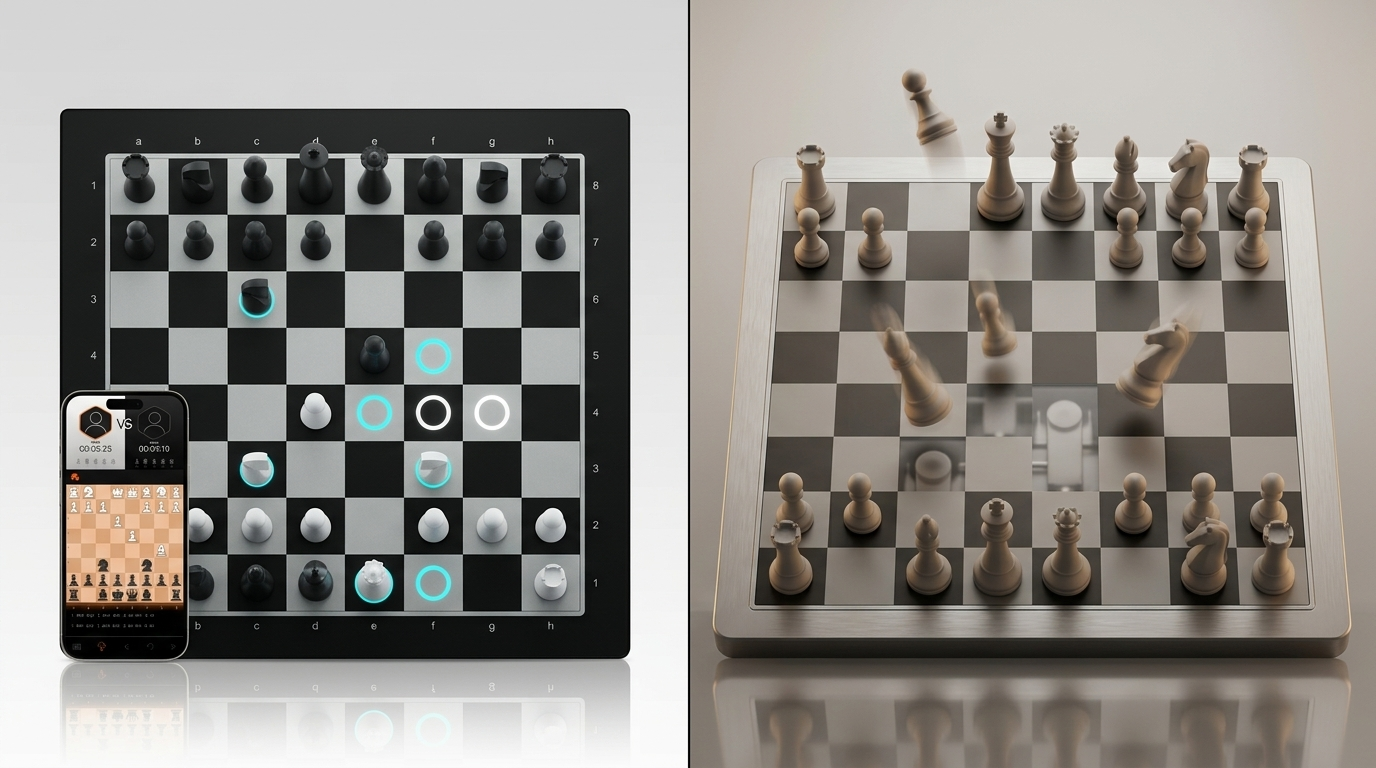
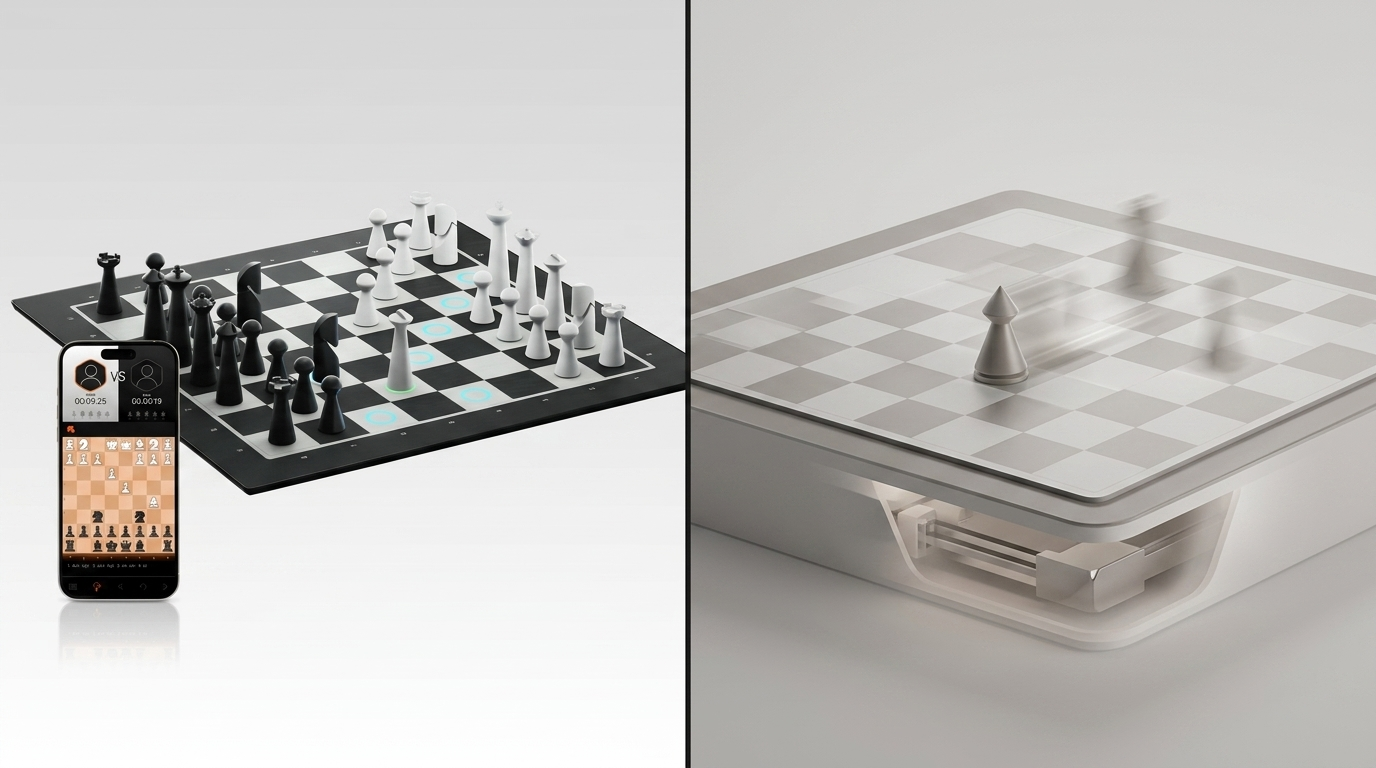
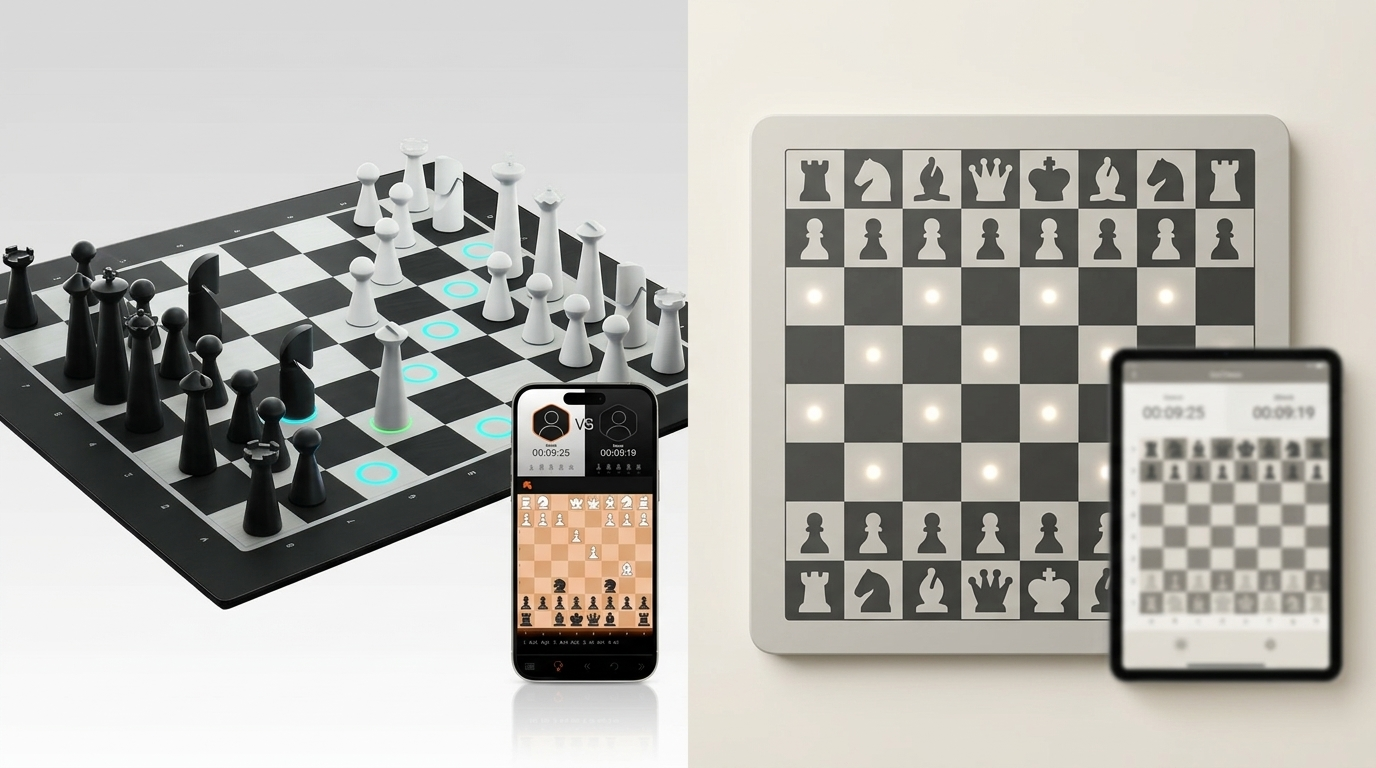
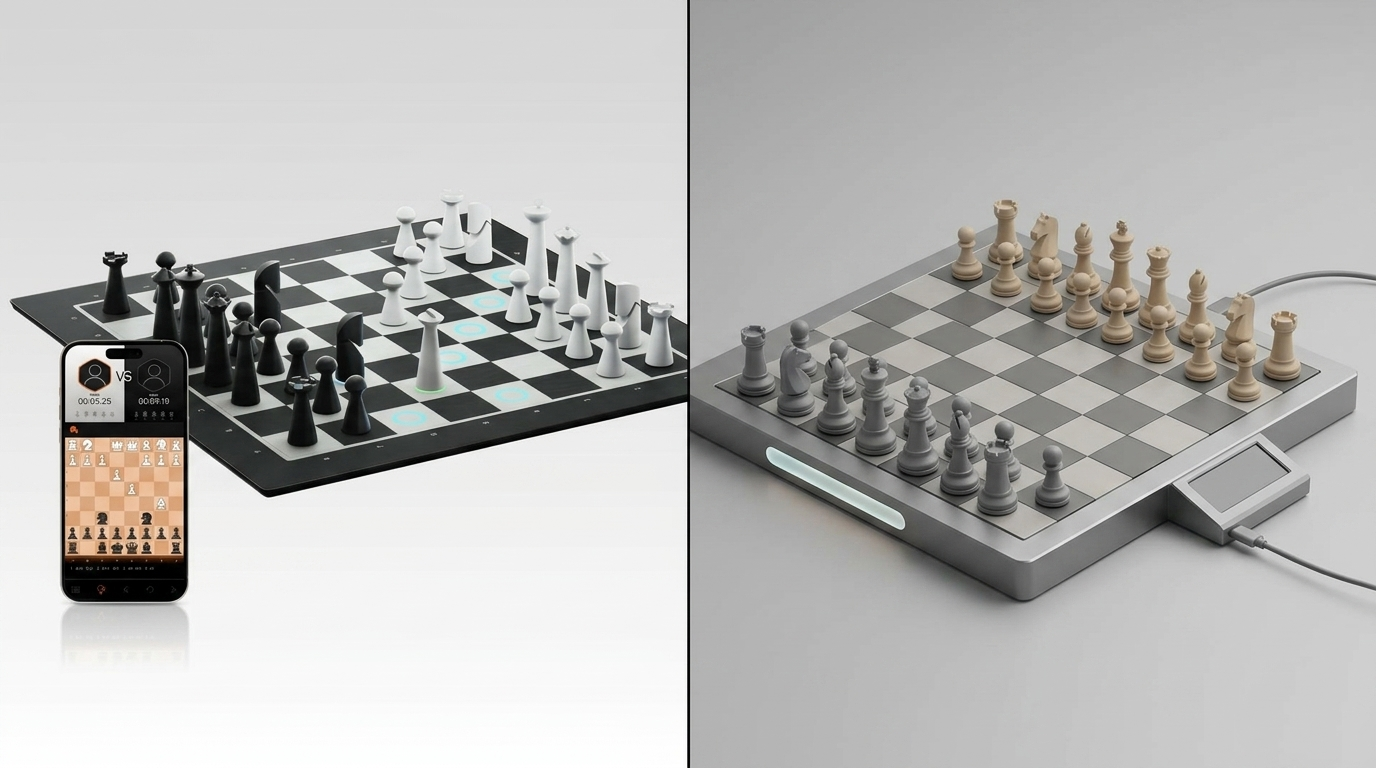
A chessboard is already a great invention. GoChess takes that familiar over-the-board ritual and adds a second upgraded layer on top of it. It’s an app-enabled, most cutting-edge smart chessboard empowered with AI. It has a lighting system where the squares can actually react in real time, using a “smart highlights” layer to turn the board itself into the coaching surface. It still feels like classic over-the-board chess in your hands, but the experience is way more… awake.
- Smartest chessboard core: magnetic sensors track piece positions so the board knows the the game state in real time.
- Board-to-app control: pairs to the GoChess app via Bluetooth for modes, settings, and coaching controls.
- AI coaching, in the moment: tips and alerts can show up while you’re deciding, with adjustable AI strength levels that can suit different playing abilities.
- Coaching toggles you can choose: light up available moves, suggest the best piece to move, highlight best moves, and show blunder alerts.
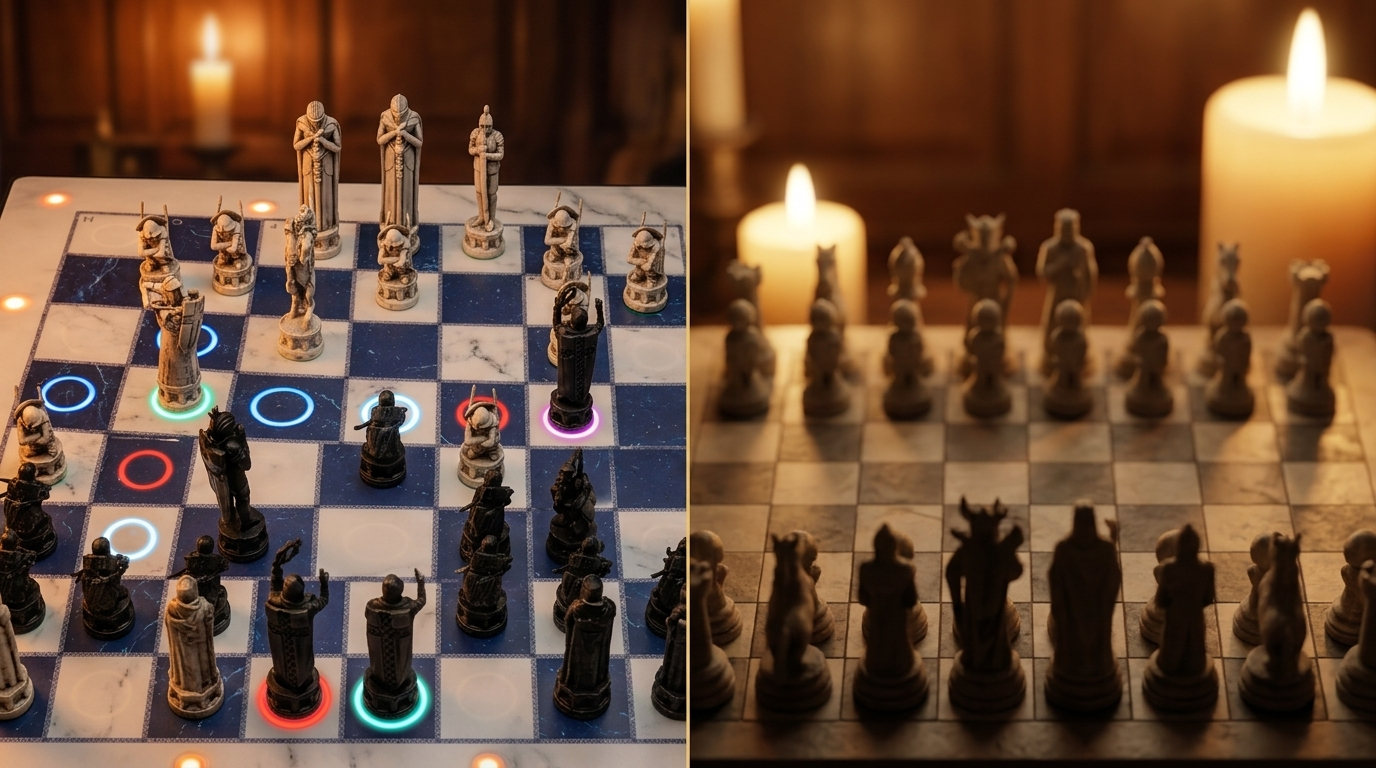
- LED “smart highlights” language: green indicates turn + lifted piece origin, blue shows optional locations, purple marks a great/best move in tip modes, red marks a poor move/blunder (and can indicate check), blinking red signals a general error.
- Three ways to play: vs AI with 32 difficulty levels, face-to-face, and online (on Chess.com or Lichess), using the same board + app workflow.
- Post-game review: save games, resume later, and export PGN so you can revisit what happened.
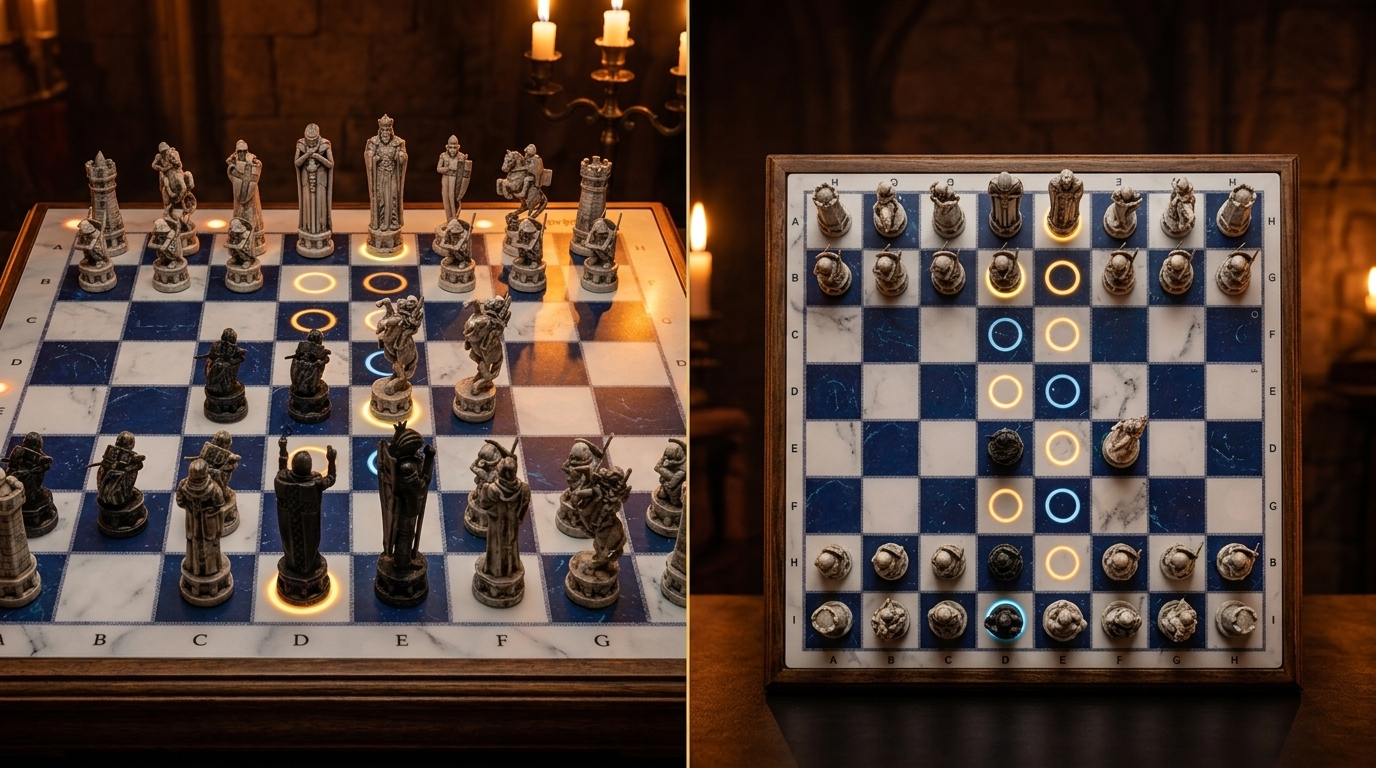
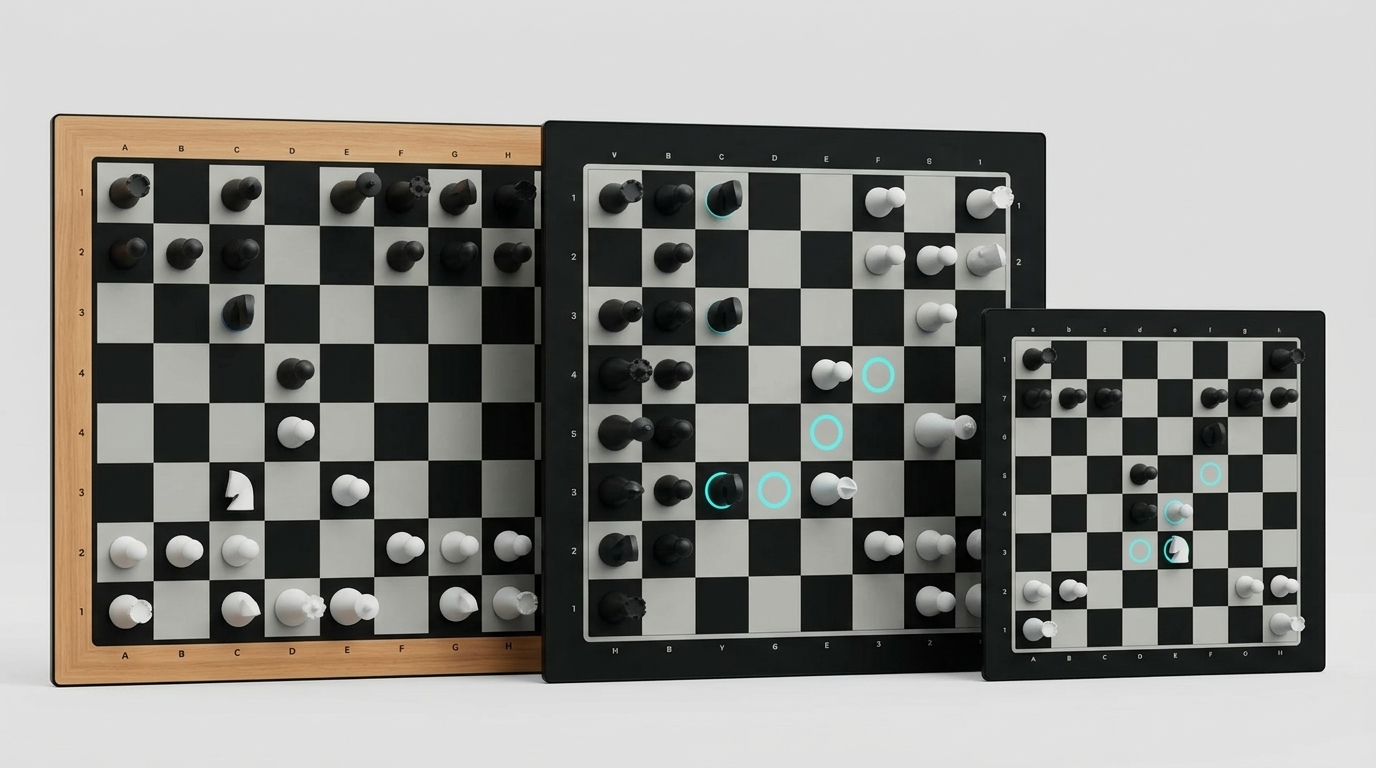
- Different versions: GoChess Lite Modern and Classic, GoChess Mini (Mini Modern), and GoChess Wizard (Wizard Lite, Wizard Mini).
How GoChess AI Coaching Works in Real Time

The impressive part starts right when your hand hovers over a piece.
You are thinking, calculating, improvising, and probably giving yourself a bit too much credit. Then GoChess lights up and answers back immediately. You can see where the move can go, what looks stronger, and when you are about to drift into nonsense. It all happens in the middle of play, while the move is still forming.
What also makes this feel smarter than a random hint machine is that GoChess does not treat every player like they should already be halfway to a grandmaster title. It gives you 32 AI difficulty levels, with the range going from around 400 ELO to 3000 ELO. That matters more than it sounds.
ELO is the rating system used in chess to estimate playing strength.
So in simple terms:
- 400 ELO = beginner-friendly
- higher ELO levels = stronger, more demanding play
- 3000 ELO = extremely advanced challenge
If you are just starting out, you can keep things at the gentler end and learn without getting emotionally humbled by move twelve. If you are stronger, you can raise the level and make the experience much more demanding.
For a smart chessboard, that range is a huge part of the appeal. The whole point is not just to play, but to keep the challenge feeling relevant as you improve.
The Trigger Moment
GoChess tracks piece positions through magnetic sensors built into the board. That live board awareness is what makes the LED guidance possible in the first place.
- Magnetic sensors track piece positions
- The board keeps up with the game state in real time
- LED guidance responds according to your active coaching settings
The Coaching Loop You Actually Feel While Playing
The app is the control center, and the board is the display. The board connects to the app via Bluetooth, and the app runs the mode and coaching options you pick. That is what gives the coaching its “in the game with you” feeling. It is not waiting on the sidelines for a post-game lecture. It reacts while you are still thinking.
You choose one of the modes and the board immediately switches its behavior to match that mode.

*If Bluetooth drops mid-game, the app auto-reconnects, and your game state is saved so you can continue where you left off.
GoChess lets you decide how much help you want on the board. Depending on your settings, a move can trigger different kinds of guidance:
- Legal move lighting
- Best piece suggestions
- Best-move highlights
- Blunder alerts
- AI tips matched to your level
That flexibility makes it easier to adjust the coaching to the kind of session you want.
The LED Language in Plain Terms
- Green shows it’s your turn, and it marks the origin square when a piece is lifted.
- Blue shows optional legal destinations for the selected piece.
- Purple highlights a great/best move when tip modes are enabled.
- Red warns of a poor move/blunder in tip modes, and can also indicate a check by lighting the opponent's king red.
- Blinking red is the board’s “something’s off” signal (general error).
Tip colors (purple/red) show up in tip-enabled modes, and are explicitly noted as appearing in vs AI and face-to-face play.
The App Connection Behind the Coaching Experience
The coaching experience depends on the board and app staying in sync. The board handles the physical game, while the app manages the smart features, hints, and game state in the background.
- The board handles physical moves
- The app controls connected features and coaching behavior
- Bluetooth links the real board to the live guidance
- Stable sync keeps the whole experience smooth
How AI Coaching Works in Each GoChess Mode
The core system stays the same, but the experience shifts a bit depending on how you play. GoChess uses the same board, app connection, LEDs, and coaching logic across all three modes, but the way that help shows up feels different in practice.
Playing vs AI is more training-focused, face-to-face mode is more flexible and social, and online mode is about bringing that same real-board feel into internet play.
Across modes, GoChess can work at very different ELO strength levels, so the guidance still feels relevant whether the player is learning the basics or already much more advanced.
GoChess AI Coaching in VS AI Mode

You start in the app by choosing Play vs AI, then picking an AI difficulty. The app offers multiple levels so you can match your current strength instead of getting crushed.
- Your moves happen normally on the board, and coaching can stay on while you play, depending on the hint toggles you enabled (legal moves, best piece, best moves, blunder alerts, AI tips level).
- The AI’s reply shows up as blinking squares: the from-square blinks, then the to-square blinks, and you physically move the AI piece to that destination. It feels like you’re still playing over the board, just with a light-guided opponent and a built-in coach sitting quietly inside the same experience.
Best use case: repeatable training. Same openings, same patterns, fast feedback, no social pressure.
GoChess AI Coaching in Face-to-Face Mode

- It’s still normal over-the-board chess, just with optional coaching layers you can switch on or off. GoChess stays present in the background, ready to help the moment the game starts drifting toward chaos.
- Personalized tips per player are supported, which is the cleanest way to keep games fun when two people aren’t the same level.
- The practical “fair play” setup most people end up liking: keep the board’s coaching light-touch (often blunder alerts only), so the game stays human but fewer silly disasters slip through.
The vibe benefit: learning happens mid-game without pausing to open analysis every two minutes.
GoChess AI Coaching in Online Mode

- You link online play through the GoChess app, which supports connections to Chess.com and Lichess.
- The board becomes your physical controller: you make moves on the board, the app syncs them to the online game, and you keep playing like it’s a real table match.
Speed chess reality: if you’re playing very fast time controls, you’ll want clean piece placement and decisive moves so the board registers everything smoothly.
GoChess Post-Game Analysis and Training Tools
Games do not disappear after you reset the pieces. The app supports saving games, resuming later, and exporting PGN.
Training loop options, depending on what is included with your bundle or membership, can also include practice with bots, daily puzzles, and progress tracking through game history and stats.

Why this matters: real-time coaching helps you avoid the mistake right now, while post-game review helps you notice the mistake you keep repeating.
- Save and resume games
- Export PGN
- Review recurring mistakes later
Quick GoChess Coaching Presets That Feel Good

If you’re newer or rusty
- Turn on best piece picks and blunder alerts
- Keep best move off at first if you want to actually think, then use it selectively when you’re stuck
- Starting at a lower AI strength, around the beginner end of the ELO range, makes the coaching feel much more useful
This is basically the cleanest way to learn chess strategy without turning your game into a TED Talk.
If you’re intermediate and want fewer training wheels
- Turn off best piece picks
- Keep blunder alerts on
- Use best piece/best move only for quick check-ins, not every turn
If you know the basics but still miss obvious things
- Keep blunder alerts on
- Use best piece picks as backup, not every turn
- Leave best move off unless you want a quick reality check
This is a good middle ground when you can already play, but your brain still occasionally wanders into chaos for no valid reason.
If you’re playing online
- Keep coaching light so you’re not fighting your own hints under a clock
- Prioritize clean move registration and centered placement for faster time controls
The Real Takeaway
The nicest thing about GoChess AI coaching is that it changes the vibe of the moment right before the move. It makes the board feel less passive, almost like there is a steady chess brain beside you the whole time, catching the kind of decisions you usually only regret one second too late.
And that’s why it works across the different ways people play. Sometimes it’s a private practice buddy. Sometimes it’s the referee who keeps a friendly game from turning into a lecture. Either way, the best outcome is fewer chaotic mistakes, more actual games, and a brain that starts catching itself before doing something dramatic.
If there’s one rule that makes the whole experience click, it’s this: use the coaching like a seasoning. Turn it up when you’re learning something new, turn it down when you want a clean game, and let the board do what it does best: keep you in the flow while you get better without noticing you’re getting better.
FAQ
Does GoChess show hints before I make the move or only after?
It can show guidance during the decision, while your move is still forming, not just after the position is already gone wrong.
Can GoChess match different skill levels?
Yes. In all its modes, it offers 32 difficulty levels, roughly from 400 to 3000 ELO, so the challenge can stay appropriate whether you are new to chess or much more advanced.
Can I choose how much coaching GoChess gives me?
Yes. You can keep coaching light or turn on more help with settings like legal move lighting, best piece suggestions, and blunder alerts.
What happens if I set up the pieces incorrectly at the start?
GoChess tracks the game from the starting position you give it, so a wrong setup can affect move tracking later.
Does GoChess coaching work differently in vs AI, face-to-face, and online mode?
The core system stays the same, but the experience changes a bit depending on the mode and how much coaching makes sense there.
Do I have to move the AI’s pieces myself in vs AI mode?
Yes. The board shows the AI move with blinking squares, and you physically move the AI piece on the board.
Can I undo a move if something goes wrong on the board?
Yes. You can use Undo in the app, then manually adjust the physical pieces to match the rolled-back position.
Does GoChess still work well in fast games?
Yes, but cleaner handling matters more. Centered piece placement and clear moves help the board register everything smoothly.
For current product details, see GoChess Lite Modern. Check the official listing for current availability and supported features before choosing.
Frequently asked questions
What AI practice options does GoChess Lite Modern include?
GoChess Lite Modern includes an AI mode with 32 AI levels. The range gives players multiple levels to use during solo chess practice.
Does GoChess Lite Modern provide guidance while a player is deciding?
Yes. The official product details describe light guidance as part of the board's feature set, supporting players while they continue to make physical moves.
Can GoChess Lite Modern be used with AI and human opponents?
Yes. Its verified modes include AI play, online play, and face-to-face play, giving players more than one way to choose an opponent.
How should a player choose among the 32 AI levels?
The official product page confirms 32 AI levels. Begin with a level that produces a competitive game, then adjust the level based on results and the kind of practice you want.