

Updated July 2026
Look, I love Chess.com. I love finding an opponent in three seconds. I love the little match “ping” and the way my rating fluctuates like a nervous heart monitor.
But a screen is still a screen. Tapping a piece on a piece of glass or clicking a mouse doesn't feel like chess. It’s detached, and it’s clinical.
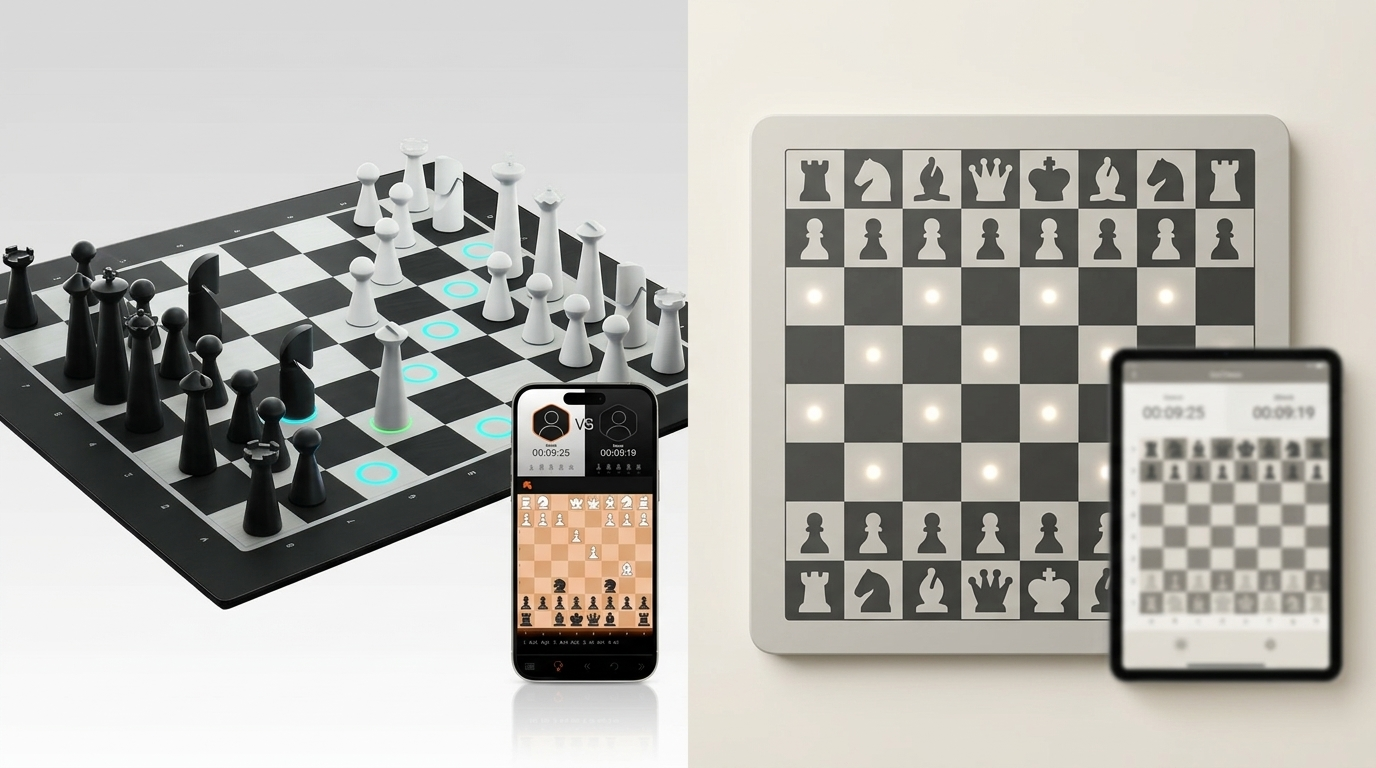
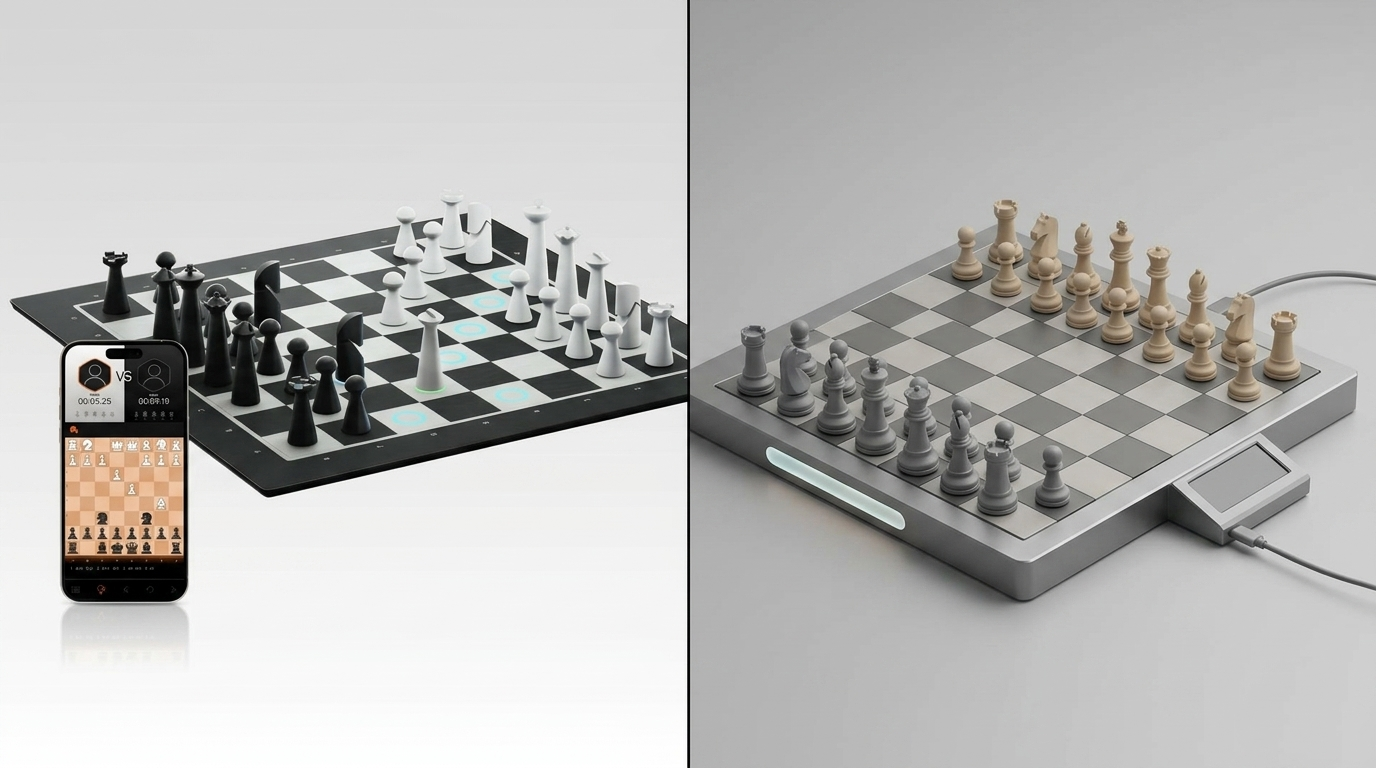
A smart chessboard like GoChess can make a lot of sense here. It keeps the best part of Chess.com, like online games, real opponents, regular play, and adds back the physical ritual: real pieces, smart move tracking, app connection, and LED guidance.
In this article, we’ll look at why GoChess may be the best physical partner for your Chess.com habit, how to connect it, which settings work best, and which time controls won’t make you panic-drop your king.
TL;DR
- GoChess doesn’t replace Chess.com. It makes it feel real.
- You still get online opponents, ratings, and regular games, but now you move real pieces on a real board instead of clicking a screen.
- The app handles the connection. GoChess handles the physical chess feeling.
- It works best for rapid, slower blitz, casual games, and anyone who wants online chess to feel more focused.
- Simple version: Chess.com stays online. GoChess makes it alive.
Why Chess.com Players Want a Real Board Anyway

Chess.com works because it removes almost every excuse not to play.
You do not need to find someone nearby. You do not need to schedule a game. You open the app, and chess is just there.
This scale is a big part of why Chess.com became the default chess home for so many players. The platform says it has more than 250 million members, and its own stats page says 15 to 20 million games are played there on a typical day. So when people say “I play chess online,” there is a very good chance they mean Chess.com.
And it is not hard to understand why. Chess.com gives players a full chess routine in one place: online games, ratings, puzzles, bots, lessons, friends, clubs, and game history. It also suggests puzzles, lessons, bots, and online play with millions of players, which is basically the entire modern chess habit packed into one screen.
The only missing thing is the board
The problem is that screen chess can start to feel a little too frictionless.
GoChess makes it so easy to start another game that one match turns into five without much thought. That's not a bad thing. It just means the games start blending together, and it's easy to lose track of which one actually mattered.
Here is where a real board starts to matter, and where a smart chessboard like GoChess makes the idea even more interesting.
Physical chess truly has its own rhythm: the piece in your hand, the board in front of you, the tiny pause before you commit to a move you may soon regret. And for anyone figuring out how to practice chess at home without turning every session into another screen marathon, that rhythm matters.
Playing Chess.com on a Real Board with GoChess

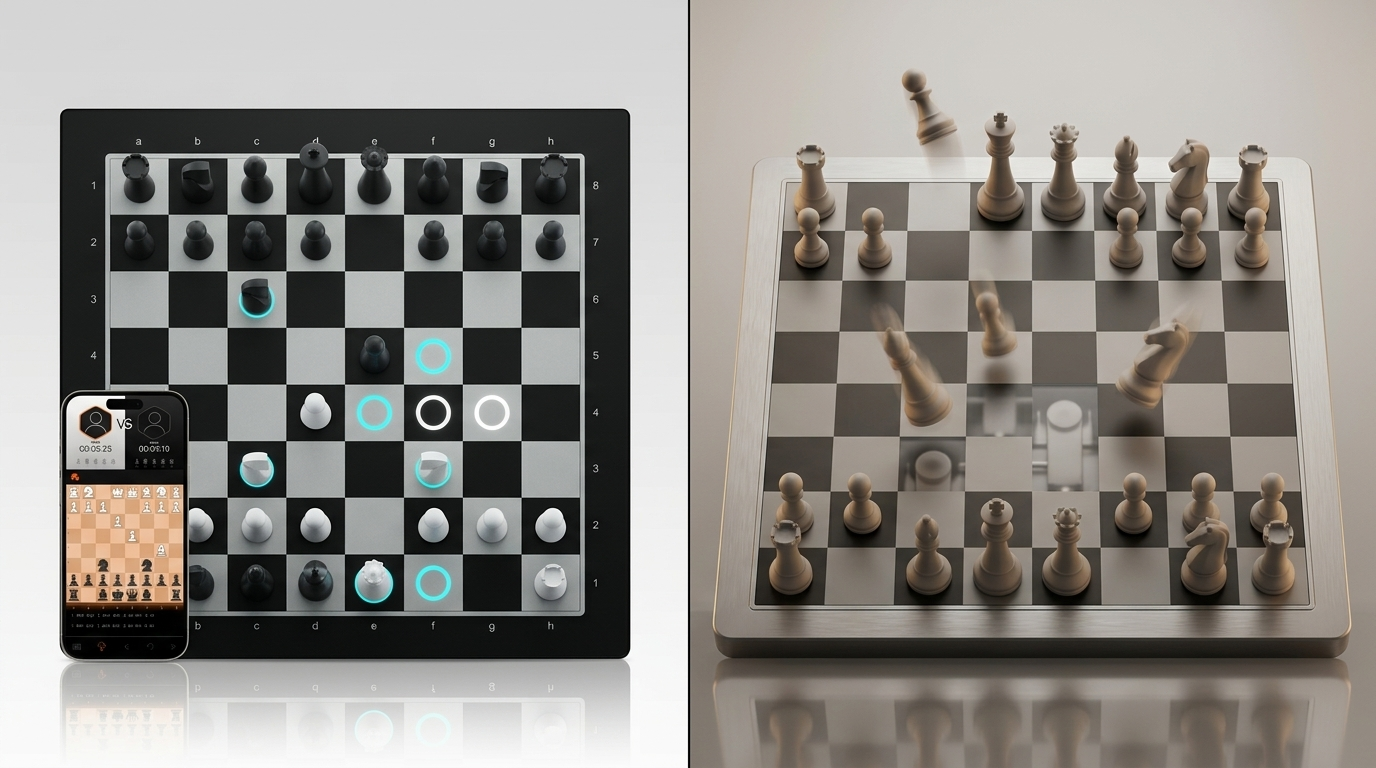
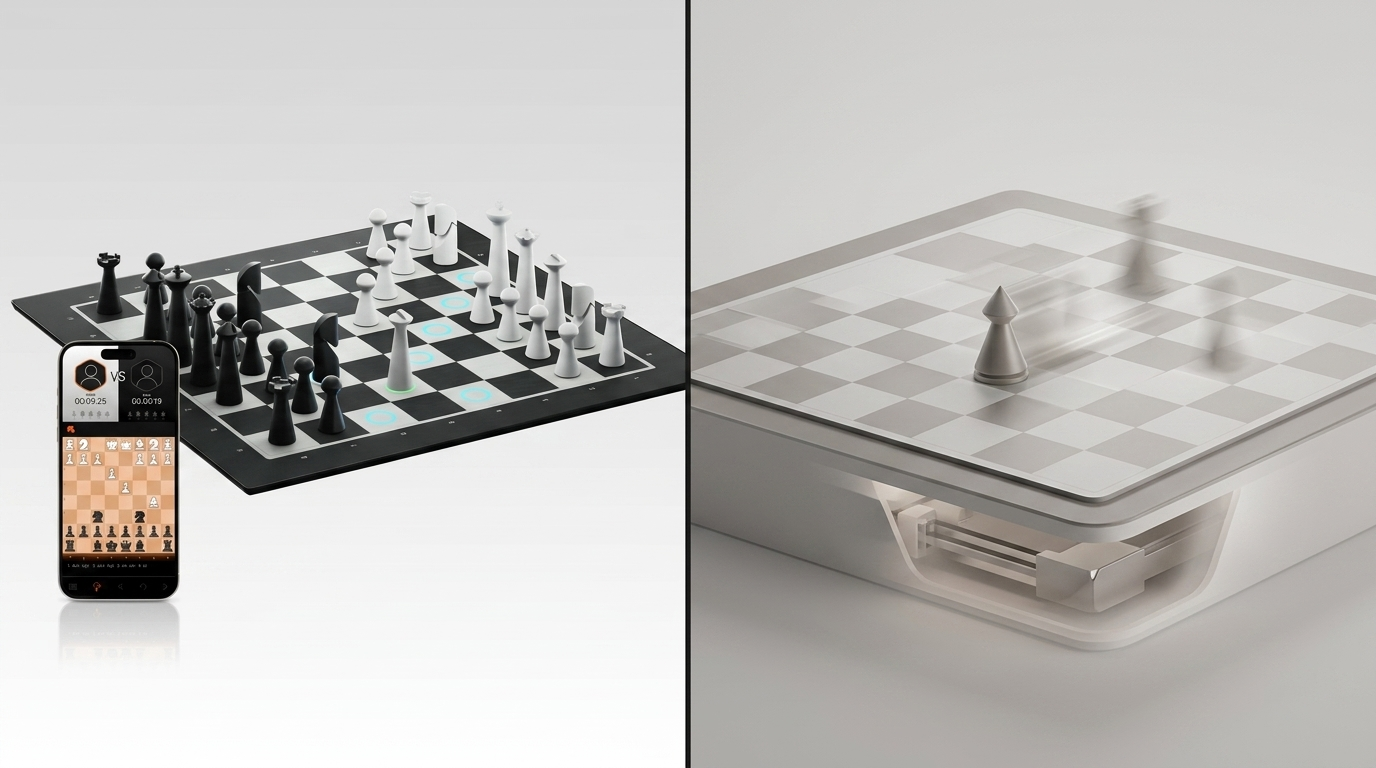
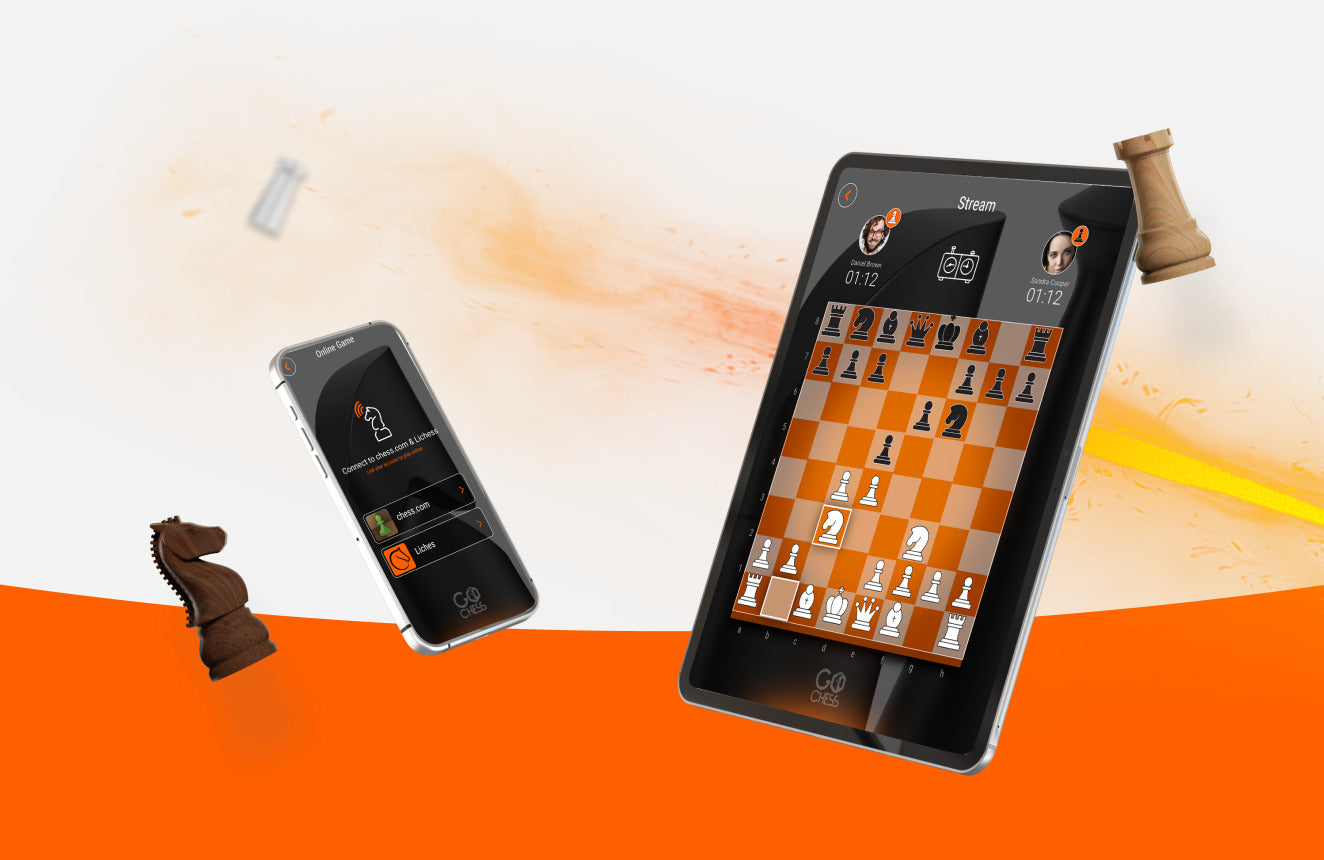
GoChess is a smart chessboard built for people who want real pieces without giving up digital play. It connects to an app, tracks moves on the board, and uses built-in lights when guidance is needed.
It’s one of the best smart chessboards that makes real sense for Chess.com players. Because the point is not to stop playing on Chess.com. Most people don’t want that. GoChess just changes where the moves happen.
You still play through Chess.com, but instead of clicking everything on a screen, you play online chess with a real board. You move the real pieces, and the app keeps the online game connected in the background.
GoChess also supports Lichess, face-to-face games, and AI play, but for Chess.com players, the main appeal is simple: you keep your usual online chess life, and the game feels like sitting at a board again. So when people ask who GoChess is for, the easiest answer is: players who like online chess but miss the feeling of moving real pieces.
A quick fair-play note
For rated online games, the cleanest way to think about GoChess is as a physical board and controller, not as a secret coach. Chess.com’s Fair Play Policy says your moves must be your own and that players should not use tools that analyze positions during play.
So save the heavier hints and coaching features for AI practice, casual learning, or face-to-face games. When you are playing Chess.com seriously, the best version of GoChess is simple: real pieces, real moves, same online game, just less screen-only and more chess-like.
How to Connect GoChess to Chess.com

Once you play Chess.com with GoChess a couple of times, the connection process stops feeling like launching a spaceship and starts feeling routine.
The basic flow is simple:
- Charge and power on the GoChess board.
- Open the GoChess app on your phone or tablet.
- Turn on Bluetooth and keep your device close to the board.
- Let the app detect the board and connect to it.
- Go to online play inside the GoChess app.
- Choose Chess.com.
- Sign in or connect your Chess.com account.
- Start a game and make your moves on the board.
GoChess connects to the mobile app through Bluetooth, and once the board is powered on, the app is designed to detect it automatically. For online play, including Chess.com and Lichess, you’ll also need an internet connection.
Before you start a timed game: make sure the GoChess board has battery, Bluetooth is on, your phone is nearby, and your Chess.com login works. Do not discover your password problem after the clock starts.
What Actually Happens When You Play Chess.com on GoChess?

You are still playing a real Chess.com game. That part does not change. What changes is where the game lives.
The rhythm basically becomes:
- you see the position
- you move a real piece
- the app syncs the move online
- your opponent replies
- you update the board and keep playing
It is still online chess, just with more weight to it. Literally.
This feels best when you have enough time to move clearly and think properly. Rapid games are lovely for this. Slower blitz can work too. Bullet is where things get dramatic, because suddenly your hand, your brain, your clock, and your dignity are all fighting for space.
Best Chess.com Time Controls to Use With GoChess
The point is not that you cannot play fast. You can. It is just that GoChess makes the most sense when you want Chess.com to feel more physical and focused, not when you are trying to win by mouse-speed energy.
Picture a 3+0 game with ten seconds left. You reach for your knight, misjudge the square by half an inch, and the app registers a move you never meant to make. On a screen, a misclick like that costs you a second. On a board, it costs you a piece, and now you are frantically trying to fix a position while your clock keeps running. That is the real risk with fast time controls on GoChess: it is not that you will lose on skill, it is that the physical handling itself becomes the opponent.
|
Chess.com Time Control |
GoChess Fit |
Why |
|
15+10 Rapid |
Best starting point |
Calm pace, enough time to move and think |
|
10+0 Rapid |
Excellent |
Still focused, but not too rushed |
|
5+5 Blitz |
Good |
Works if your moves are clean |
|
3+0 Blitz |
Risky |
Easy to rush and misplace pieces |
|
Bullet |
Not ideal |
The board may slow you down |
|
Daily Chess |
Very comfortable |
No panic, no clock drama |
The point is not that you cannot play fast. You can. It is just that GoChess makes the most sense when you want Chess.com to feel more physical and focused, not when you are trying to win by mouse-speed energy.
What Doesn't Change: Puzzles, Bots, and Daily Chess on GoChess
Not every Chess.com feature moves onto the board the same way, and it's worth knowing which ones do before you get confused mid-session.
Puzzles are still a screen thing. Puzzle Rush and the daily puzzle are built around fast pattern recognition on a phone or browser, and moving physical pieces for every attempt would slow you down more than it would help. Keep puzzles on the app, and save GoChess for actual games.
Bots work well on the board, and honestly feel like one of the better matches for GoChess. Bot games are lower-pressure than rated play, so you can move at your own pace, get used to the board's rhythm, and not worry about a clock punishing your setup time.
Daily Chess is arguably the most natural fit of all. Since each move can take hours or days, there's no rush to sync the board and the app in real time. You can walk over, consider the position, move a real piece, and walk away, which is closer to how correspondence chess used to feel before it lived entirely on a screen.
So the short version: puzzles stay digital, bots are a good low-stakes way to learn the board, and daily chess is where GoChess quietly makes the most sense of all.
Best GoChess Settings for Chess.com Players
You definitely shouldn’t turn everything on. That sounds fun until your board starts giving you more opinions than your nervous system can handle.
If you are new or rusty
Keep things helpful, but not overwhelming. For someone who already knows how the pieces move and wants a friendlier way back into regular games, GoChess can feel like the best chess board for a beginner who does not want practice to feel like homework.
- use legal move lighting if you need it
- play slower rapid games first
- keep heavier hints for practice, not serious-rated games
- use the board to build confidence, not dependency
If you are intermediate
Use GoChess mostly as a physical board.
- keep guidance minimal
- focus on clean move-making
- use rapid games when you want deeper focus
- save stronger coaching for AI mode or casual practice
If you are playing rated Chess.com games
Keep it fair and simple.
For rated games, treat GoChess as a board/controller, not as a coach. Use the smart help where it belongs: AI practice, face-to-face learning, or casual training.
If you are playing casual games
You can relax a bit more.
Use lights if they help you avoid silly input mistakes. Choose a time control that feels comfortable. Let the board make the game smoother, not louder.
Troubleshooting GoChess and Chess.com Connection Issues
Most problems are not disasters. They are usually boring little tech glitches.
GoChess is not connecting to the app
Try this first:
- check Bluetooth is on
- keep your phone close to the board
- make sure the board is charged
- restart the app
- restart the board
- reconnect from the GoChess app
GoChess connects through Bluetooth, so distance, battery, and app connection are the first things to check.
Chess.com is not loading or logging in
Start simple:
- check your internet
- close and reopen the app
- update the app
- reinstall it if the problem continues
Chess.com’s support says reinstalling the app is a common first fix for login issues, crashes, update problems, or corrupted files.
Moves are not registering cleanly
Nine times out of ten, it’s a handling issue, not a “the board hates me” issue.
- center the pieces on the squares
- lift pieces clearly
- avoid messy sliding
- be neat during captures
- use slower games until the rhythm feels natural
Bluetooth drops mid-game
Annoying, yes. End of the world, no.
GoChess support says if Bluetooth disconnects, the app will try to reconnect automatically, and the game state is saved so you can continue once the connection is restored.
Still, keep your phone nearby and avoid jumping between too many apps while playing on GoChess.
Best First-Game Setup for Chess.com on GoChess

Start like this:
- choose a casual game
- pick 10+0 or 15+10
- charge the board first
- keep Bluetooth on
- keep your phone or tablet close
- connect GoChess before starting the game
- set up the pieces carefully
- play one full game just to learn the rhythm
After that, adjust. If it felt too slow, try faster. If it felt chaotic, slow down. If you panic-dropped a knight, forgive yourself. It happens to artists.
The Best Chess.com Upgrade Is Not Another Screen
Chess.com already gives you the chess club: opponents, ratings, puzzles, bots, and enough games to turn “one quick match” into an evening.
GoChess gives that club a table.
The appeal comes down to that one addition. You keep the same online rhythm, but the game has pieces, weight, and a little more room to breathe.
It is not for everyone. Bullet players and no-tech purists may not care. But for Chess.com players who miss the feeling of a real board, GoChess makes a very strong case.
Turn off the blue light, put down the mouse, and go play some real chess. Your eyes and your Elo will thank you.
FAQ
Do I need the GoChess app to play Chess.com on GoChess?
Yes. The GoChess app is part of the setup. The board connects to the mobile app through Bluetooth, and the app is what helps manage the connected board experience.
Is GoChess a self-moving chessboard?
No. GoChess is a smart board, but it is not self-moving. You still move the pieces yourself, including the opponent’s moves when needed. That is part of the physical-board experience.
What Chess.com time control works best with GoChess?
Rapid is the safest starting point. Try 10+0 or 15+10 first. You get enough time to move pieces clearly, think properly, and not turn your first game into a tiny furniture accident.
Is GoChess good for blitz on Chess.com?
Yes, especially slower blitz with increment, like 5+5. Faster blitz can work too, but clean piece movement matters more. If you are rushing, sliding pieces everywhere, and emotionally negotiating with the clock, it may feel messy.
Is GoChess good for bullet?
Not really as the main use case. Bullet is built for speed, and a physical board naturally adds movement time. You can try it, but do not be surprised if your hand becomes the weakest piece.
Can I use GoChess hints during rated Chess.com games?
For serious or rated online games, treat GoChess as a physical board, not as a coach. Chess.com’s Fair Play Policy says your moves must be your own and that players should not use tools that analyze positions or show best moves during play. Save stronger hints and coaching for AI practice, casual learning, or face-to-face games.
What happens if Bluetooth drops during a game?
GoChess support says the app will try to reconnect automatically, and your game state is saved so you can continue once the connection is restored. Still, keeping your phone or tablet close to the board is the least dramatic option.
Who is GoChess best for?
GoChess is best for Chess.com players who already enjoy online chess but want it to feel more physical, focused, and board-like. It fits rapid players, casual online players, returning chess players, and anyone who misses real pieces but does not want to give up online opponents.
Who should probably skip it?
Skip it if you only care about bullet speed, dislike apps and Bluetooth, or want a completely traditional, no-tech chessboard. GoChess makes online chess more physical, but it is still a connected smart board.
For current product details, see GoChess Lite Modern. Check the official listing for current availability and supported features before choosing.
Frequently asked questions
Does GoChess Lite Modern support online chess?
Yes. The official GoChess Lite Modern listing includes online mode among its supported ways to play. Consult the current product page before choosing if you need details beyond that verified feature, because specific platform workflows are not described here.
Can GoChess Lite Modern guide moves during a game?
The official product listing includes light guidance as a GoChess Lite Modern feature. That is the verified guidance claim available for this board; consult the current listing for the latest description of how the feature is presented.
Can two people play face-to-face on GoChess Lite Modern?
Yes. Face-to-face play is one of the modes named on the official GoChess Lite Modern product page. The same listing also names online and AI modes, giving players several verified ways to use the board.
Can GoChess Lite Modern provide an opponent for solo play?
Yes. GoChess Lite Modern includes an AI mode with 32 AI levels according to the official product listing. That gives solo players a verified alternative when another person is not available for a face-to-face or online game.