

Updated July 2026
Most chessboards are emotionally unavailable. You can hang your queen, ruin your pawn structure, and make a move so suspicious it deserves its own crime documentary, and the board will just sit there, wooden and silent.
GoChess has opinions. It tracks your pieces, lights up legal moves, warns you about blunders, connects to the app, plays nicely with Chess.com and Lichess, and lets you choose how much AI coaching your confidence can survive.
This article breaks down what makes GoChess different in real use: the sensors, LED language, AI coaching settings, and play modes.
Because GoChess is not just a smart chessboard. It is a chessboard with boundaries, feedback, and possibly better judgment than you.
TL;DR
- Magnetic sensors track pieces; LEDs show legal moves, blunders, and hints
- Connects to an app to manage play modes, AI levels, and coaching settings
- Play vs AI, face-to-face, or online through Chess.com and Lichess with real pieces
- Coaching is adjustable: turn help up when learning, down when you don't need it
- For people who love physical chess but want the board to say something occasionally
GoChess Turns the Board Into the Interface

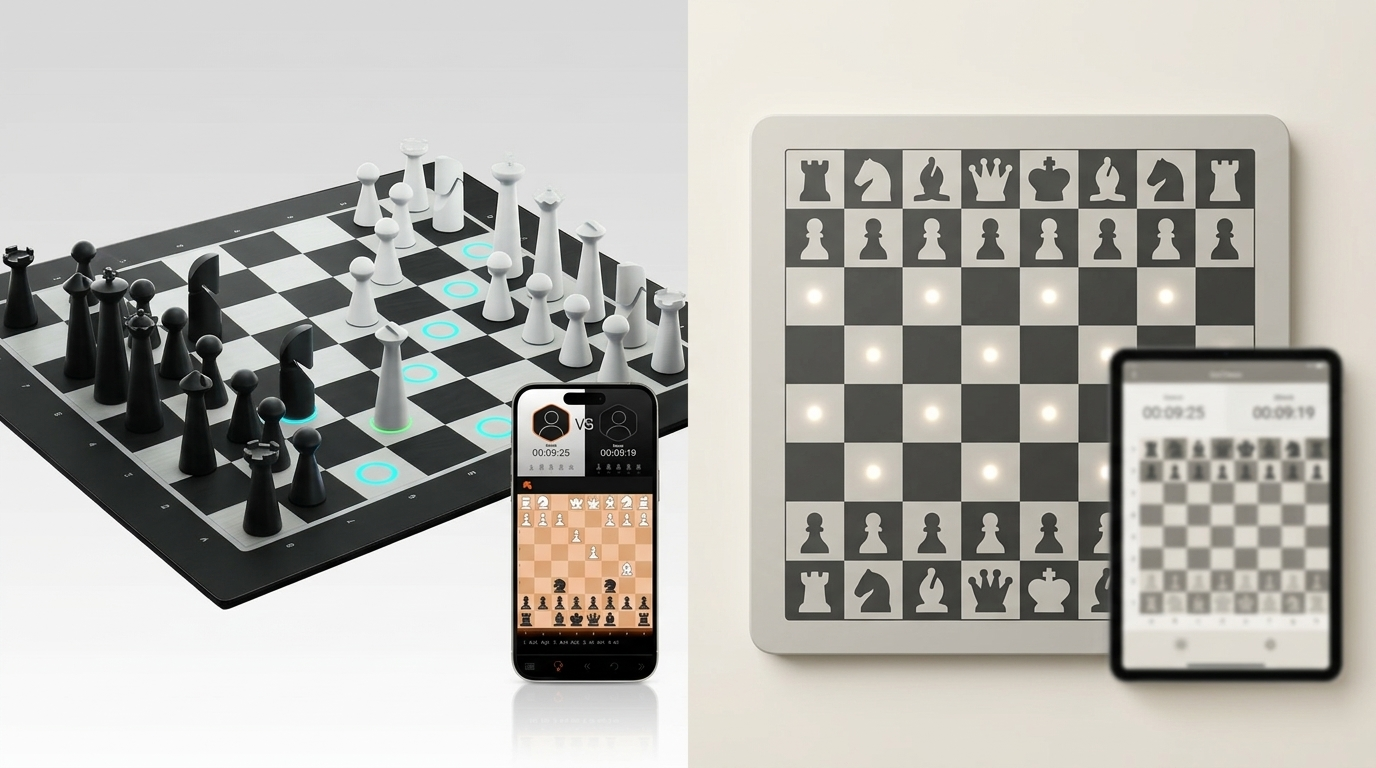
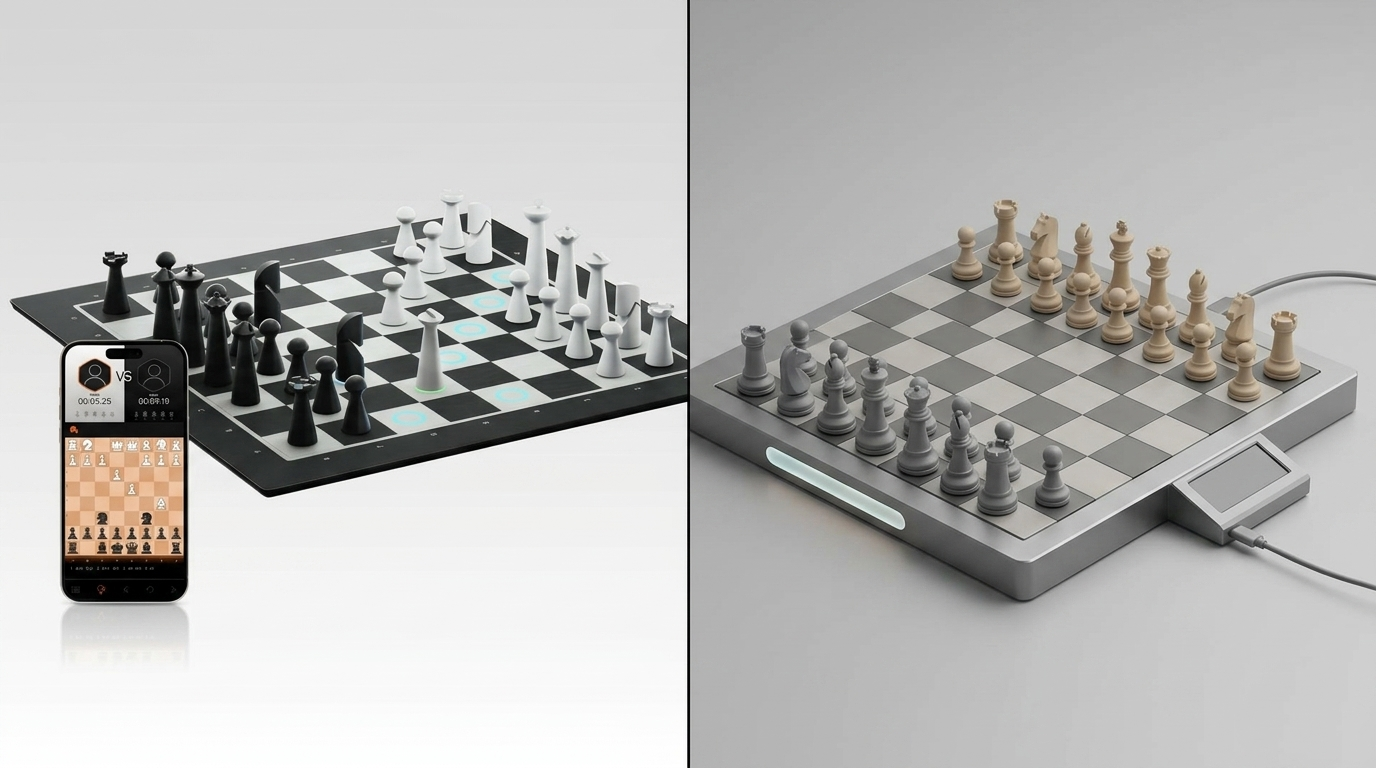
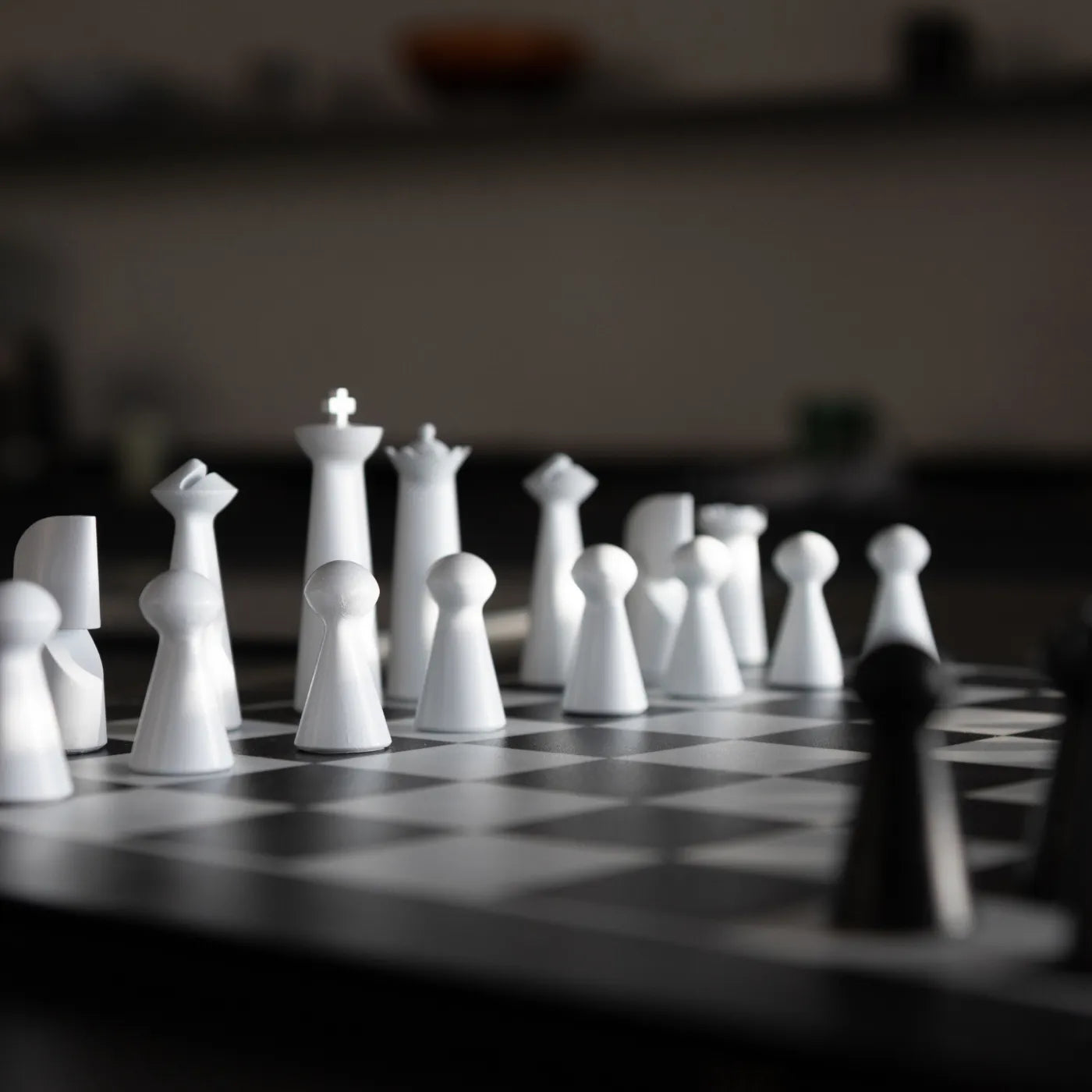
GoChess, as one of the best smart chessboards, turns the board itself into the interface, putting key information directly on the squares through LEDs instead of forcing you to check a separate screen. Most chessboards have one job: stay flat and witness bad decisions.
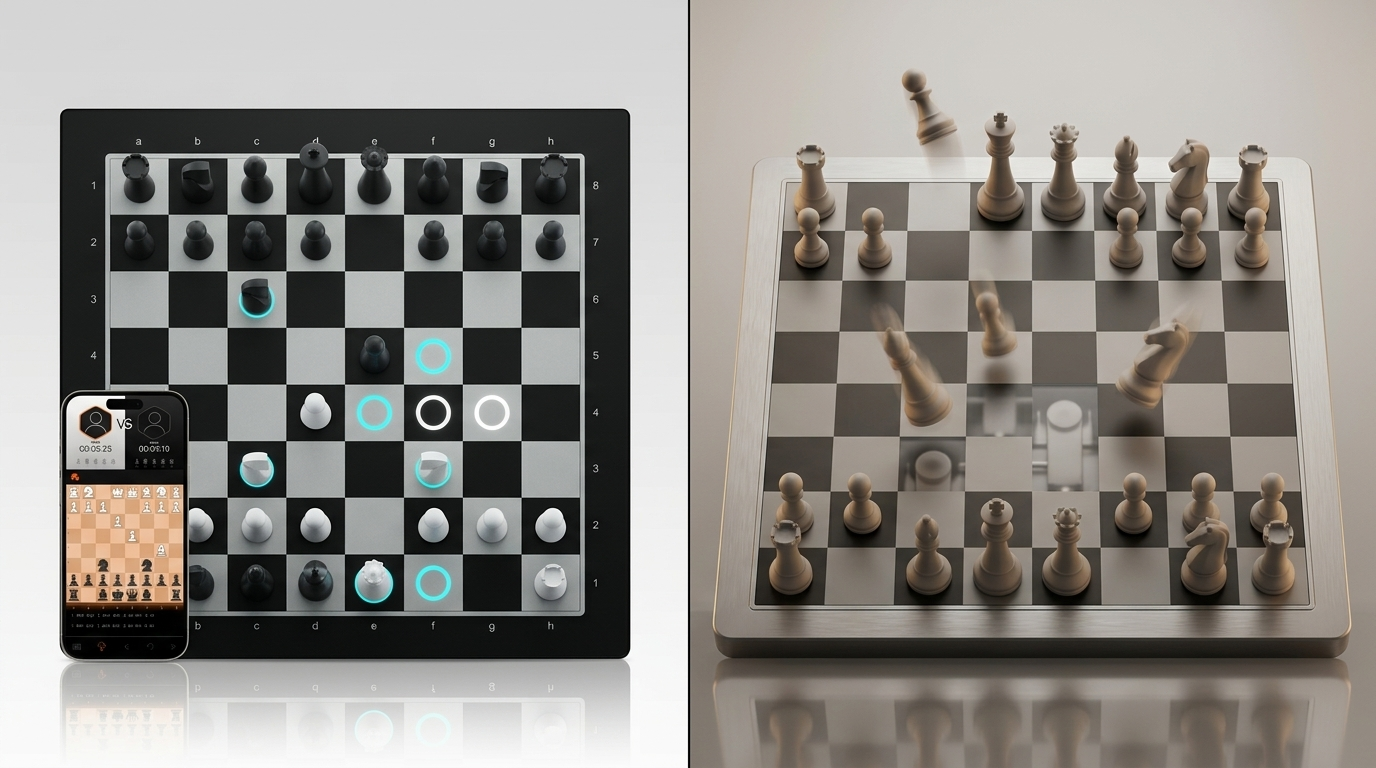
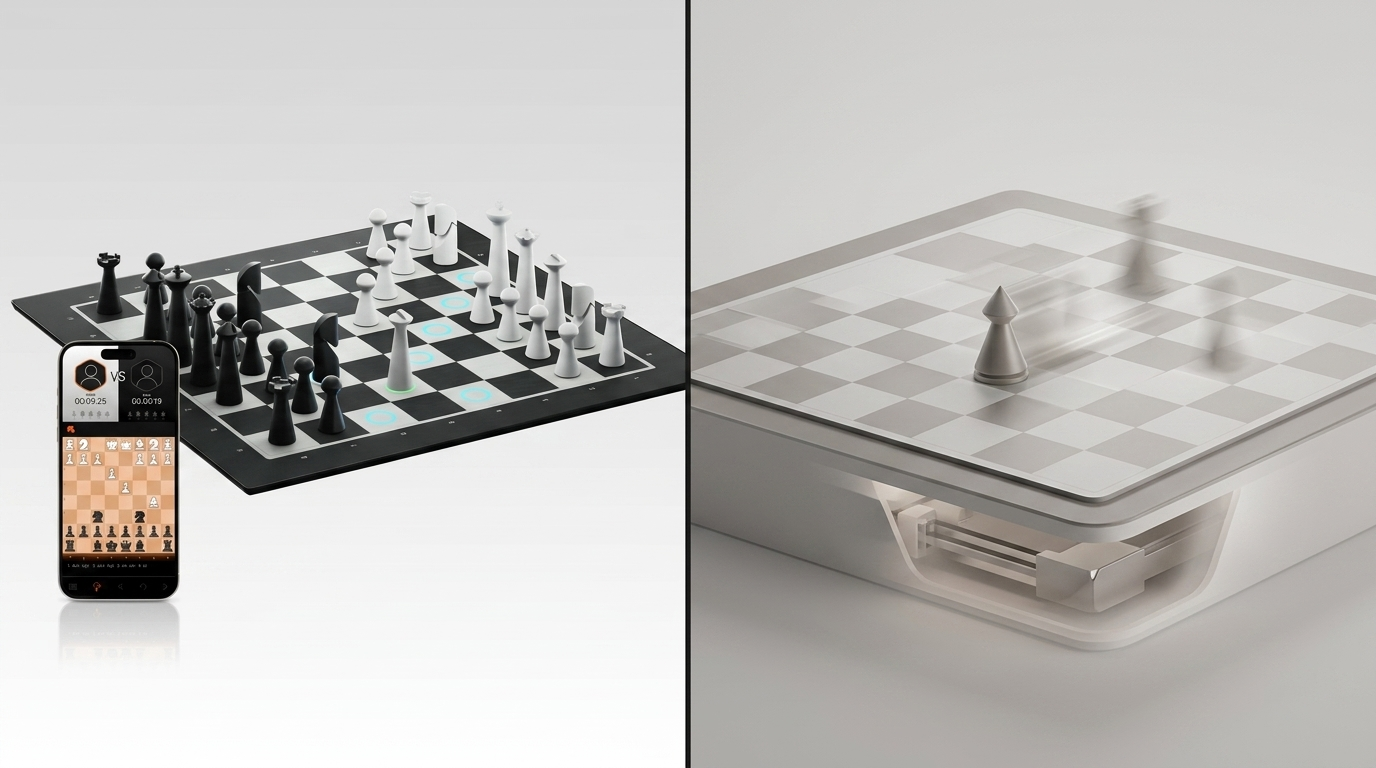
Under the surface, GoChess uses magnetic sensors to detect piece positions and track moves from the starting setup. Each piece has a magnetic base, and the board has sensors under the squares to read position and movement.
That tracking is what makes the board feel alive, but in a helpful way. Once the board understands where the pieces are, the LEDs can show move guidance, possible moves, best moves, and warnings directly on the board.
In simple terms, the flow looks like this:
- The board detects piece movement.
- The app manages the mode and AI coaching settings.
- The LEDs show guidance directly on the board.
- You keep playing with real pieces instead of turning chess into a screen-checking sport.
The LED System Is a Real Coaching Language

GoChess uses five LED colors to create a visual coaching language, each with a specific job. A regular chessboard lets you make a terrible move with complete privacy.
GoChess, unfortunately for your ego, has a lighting department.
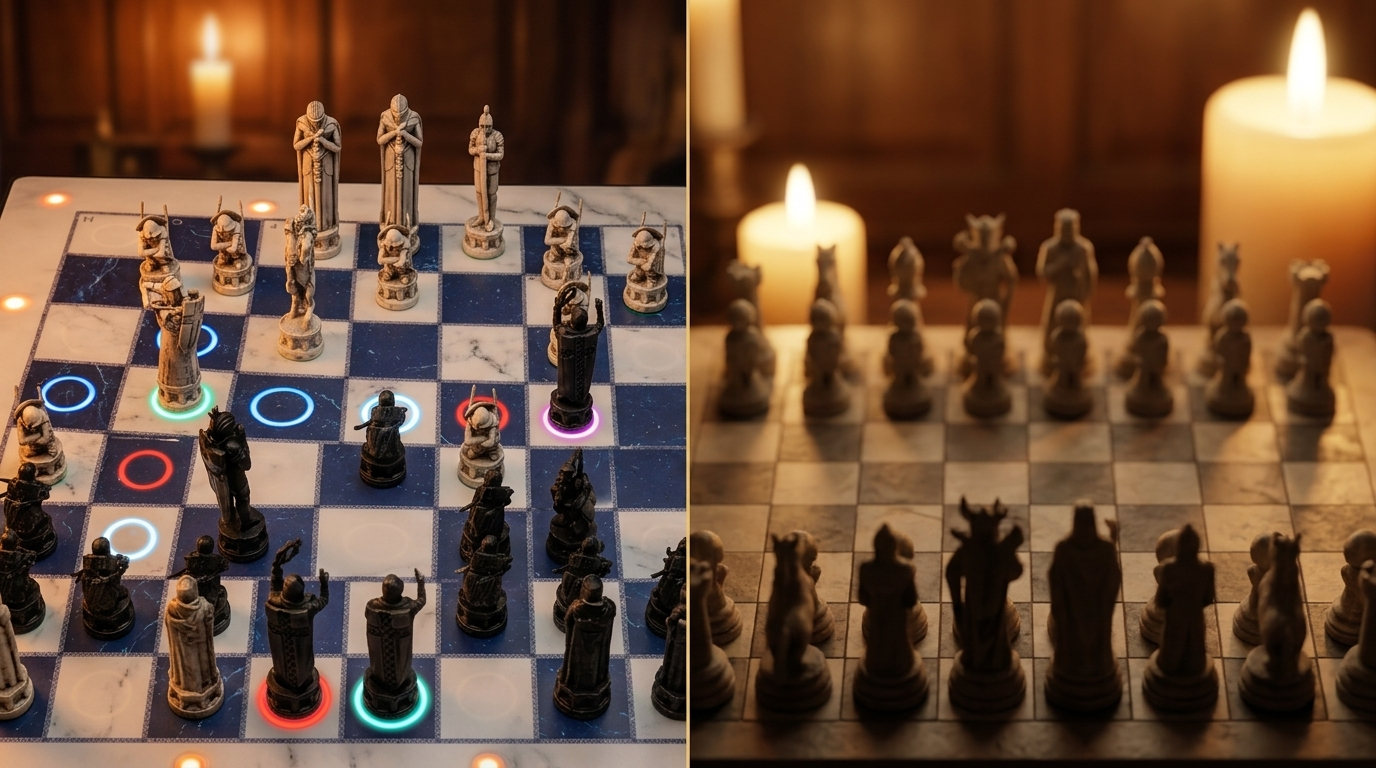
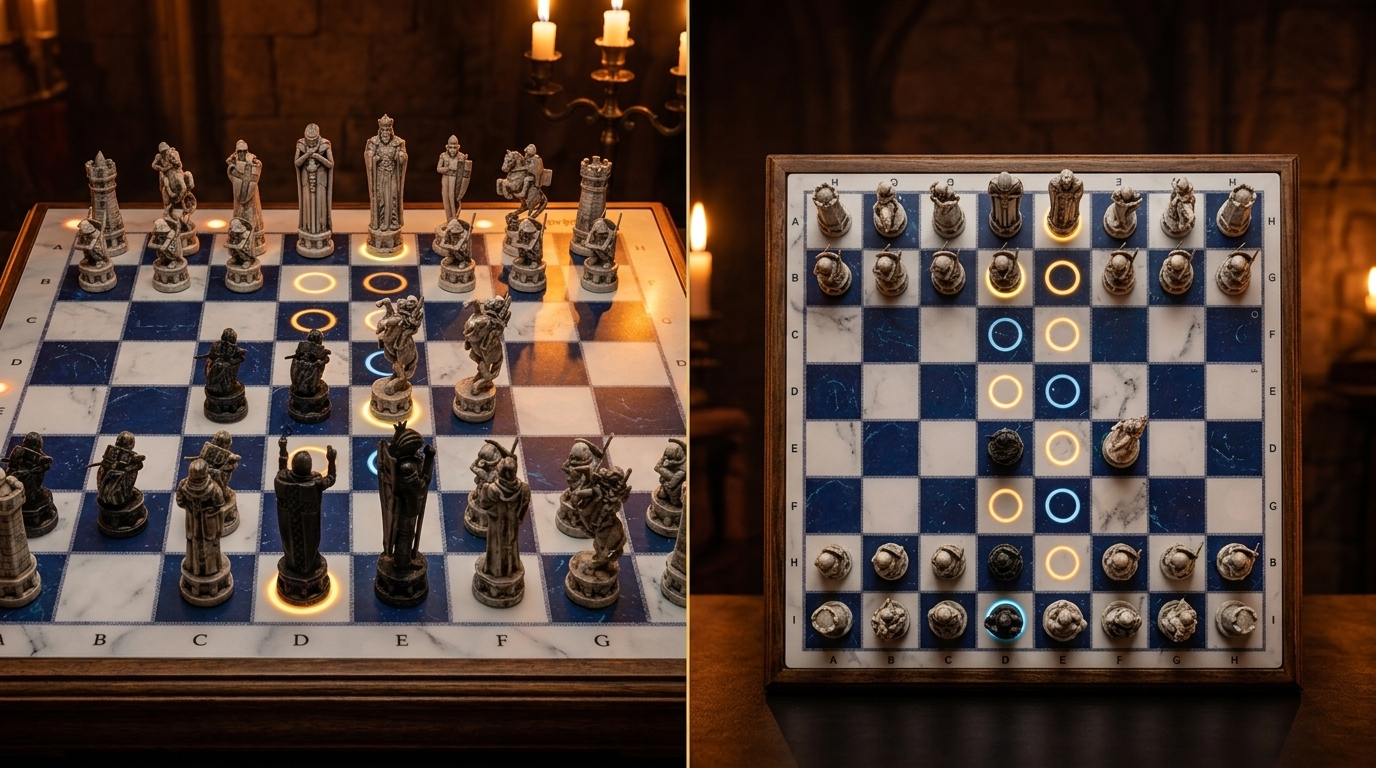
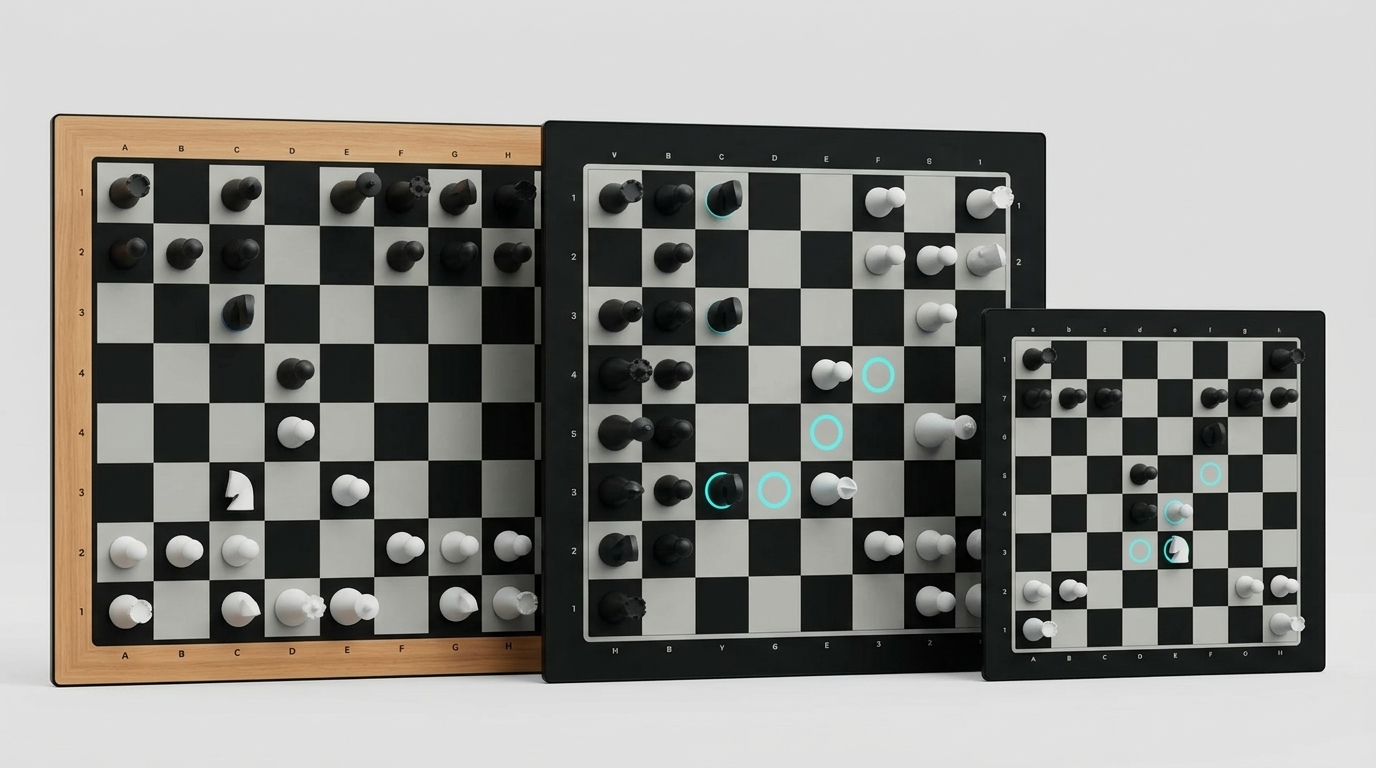
The LEDs are there to create a visual chess language directly on the board, keeping your eyes on the position rather than a screen. That matters because chess visualization is a spatial skill: the moment you look away from the board to check an app, you break the mental picture you were building. Each color has a specific job:
- Green marks your turn or the square a lifted piece came from.
- Blue shows legal destination squares.
- Purple highlights a strong or best move in tip modes.
- Red warns about a poor move, blunder, or check.
- Blinking red signals an error that needs correction.

That matters because chess is basically pattern recognition wearing a tiny crown. New players first struggle with legal movement: where the knight can jump, when a bishop is blocked, and why the queen has main-character energy but still cannot teleport. Chess.com’s beginner guide starts with piece movement and legal play for a reason.
GoChess can show best-move hints and blunder warnings in tip-enabled modes. That matters because stronger chess should also be about learning to recognize candidate moves, threats, and consequences before committing. Chess.com describes visualization as an important chess skill because players need to imagine future positions and possible replies.
GoChess AI Coaching Is Adjustable, Not Forced

GoChess AI coaching is not one fixed personality; you can tune it up or down depending on how much help you actually want. Some chess help is too much help.
GoChess is interesting because its AI coaching is not one fixed personality. You can tune it.
The main coaching options include:
- Light-up available moves
- Suggest the best piece to move
- Highlight the best moves
- Show blunder alerts
- Set AI tips according to skill
- Play against 32 AI difficulty levels
GoChess also supports daily puzzles through the app, which gives the practice side a little more structure. Not every session has to be a full game with emotional consequences. Some days, the healthiest chess decision is one puzzle, one tiny victory, and leaving before your queen develops ambitions.
Adaptive difficulty is widely used in chess learning; matching the challenge to the player keeps practice more useful and motivating. According to EdTech Digest, the player improves best when the task is slightly above their current level, but still reachable with support.
That is where GoChess’ configurations become practical.
|
Player Type |
Legal Moves |
Best-piece hints |
Best-move hints |
Blunder alerts |
AI Difficulty |
Goal |
|
Beginner |
ON; Reduces confusion about where pieces can go |
ON; Guides which piece to think about first |
ON; Shows stronger options while learning |
ON; Catches costly mistakes early |
Low; Build confidence before raising the challenge |
Reduce confusion; Connect rules to board reality without being overwhelmed |
|
Rusty |
OFF; You know how pieces move |
Sparingly; Use only when genuinely stuck |
OFF; Avoid relying on the board to think for you |
ON; A small warning before donating material |
Slightly above comfort; Light pressure to re-sharpen |
Re-engage tactical instincts; Catch the avoidable mistakes that decide amateur games |
|
Intermediate |
OFF; Training wheels slow you down |
OFF; Find candidates yourself |
Review only; Useful after the game, not during |
ON; Protects calculation quality without hovering |
Higher; Real pressure sharpens decision-making |
Light setup; Alerts protect quality without interrupting independent thinking |
*For kids, the best setup is usually confidence first: enough help to keep them engaged, not so much help that they stop thinking. Kids-focused GoChess guidance suggests presets like best-piece pick and blunder alerts, while keeping best-move suggestions lighter so children still make decisions themselves.
GoChess Works Across Three Play Modes
GoChess supports three main ways to play: vs AI, face-to-face, and online through Chess.com or Lichess. A regular chessboard is loyal, but not flexible. It has one mood: two people, one table, and someone eventually saying, “Wait, whose turn was it?”
GoChess has range.
It supports three main ways to play:
That matters because chess habits are rarely neat. Some days you want practice. Some days, you want a real person across the table. Some days you want internet chess without the soulless little finger-tap on a phone screen.
Vs AI Mode
Vs AI mode is for solo practice; you play solo against the board without needing another person available, interested, or emotionally prepared.
Best for:
- solo training
- testing openings
- short practice games
- playing without social pressure
- building routine when you do not have regular opponents
The important part is that AI mode keeps the game physical. You are not just staring at a screen and calling it chess because a horse-shaped icon moved.
Face-to-Face Mode
Face-to-face mode lets two people play across the table while GoChess supports the game quietly in the background, depending on how much help you allow.
Best for:
- families
- kids learning chess
- friends with different skill levels
- casual home games
- players who want guidance without pausing the whole game
This mode is especially useful when one person is learning, and the other person is pretending not to be competitive. The board can make the game more balanced without turning it into a full lecture series.
Online Mode
Online mode connects GoChess to Chess.com or Lichess, so you can play internet opponents with real pieces on a real board instead of tapping a screen.
Best for:
- Chess.com players
- Lichess players
- people who miss over-the-board play
- players who want online variety with a physical board
- anyone trying to make screen chess feel less like scrolling
The only practical warning: start with comfortable time controls. Very fast games need clean, decisive piece movement. Bullet chess and dramatic hand choreography are not always best friends.
GoChess Supports a Full Training Loop
GoChess keeps your games available after the session ends: you can save, resume, and export PGN files so nothing disappears when you reset the board. A lot of chess improvement happens after the game, which is deeply unfair, because after losing, most of us are not in the mood to become scholars.
GoChess makes that part less dramatic.

The training loop looks like this:
- Play a game on the board.
- Use live guidance only as much as the session needs.
- Add daily puzzles when you want a quick tactics warm-up instead of a full game.
- Save or resume the game if you stop midway.
- Export the PGN if you want to analyze it later.
- Look for patterns: repeated blunders, weak openings, rushed captures, suspicious queen adventures.
Maybe you keep missing back-rank threats. Maybe you trade pieces badly. Maybe your knight goes on long spiritual journeys and never returns. Saving and reviewing games helps those patterns become visible.
GoChess also supports undo through the app, which is helpful when a move is accidental or the board and app need to return to an earlier position. You can roll back the move in the app, then manually adjust the pieces on the board to match the restored game state.
And that is where improvement becomes less mysterious. You are building a record of what happened, which means your mistakes finally have paperwork.
What Reviews Reveal About GoChess in Real Use
Physical Chess Still Matters
AppleInsider called GoChess “a physical chess board that allows you to play against an AI player.”
That quote gets straight to the point. GoChess is not trying to replace the physical board with an app. It is trying to bring AI play onto a real board, where the pieces still matter, and your hand still has to commit to the move.
TechRadar also noted that “the 3D manifestation makes it a lot easier to visualize.”
That is a big part of the appeal for online players. A position can feel different when it is sitting in front of you instead of glowing from a flat screen like a tiny battlefield in a browser tab.
The Smart Features Feel Useful, Not Just Decorative
Pickr listed one of the advantages as: “LED lights give good cues and clues for possible moves.”
That is the version of smart tech people actually want: not fireworks, not gadget theatre, but helpful little signals that make the board easier to read.
Pickr also called the “Inbuilt AI and puzzles” a “good solo trainer.”
That matters for the exact buyer who keeps meaning to practice chess but does not always have a human opponent available.
The Build and Feel Get Real Praise
Vice wrote: “The build quality is sublime, the pieces feel fantastic, and the app connectivity is smooth and simple.”
That quote is doing three jobs at once. It says GoChess is not only smart, but also pleasant to touch and easy enough to connect without needing a ceremonial sacrifice to Bluetooth.
Vice, reflecting on the build quality and overall experience, said: "I can't think of anything better."
This makes sense if the buyer wants the full package: physical board, online play, app connection, and that little “yes, this object is cool” feeling every time it comes out.
The Coaching Helps Most With Everyday Mistakes
AppleInsider said the AI coaching was “instrumental in learning to identify any potential pitfalls.”
That is GoChess at its best: not replacing thought, just catching the trapdoor before your knight enthusiastically jumps into it.
TechRadar described it as “very good at spotting the beginner mistakes.”
That makes the strongest use case pretty clear. GoChess is one of the smart chessboards especially useful for beginners, casual improvers, and low-to-mid rated players who do not need a lecture; they need a small glowing warning before the game becomes a documentary about regret.
Finally, What Really Makes GoChess Different
GoChess is different because its lights actually mean something. They guide, warn, suggest, and gently question the life choices of your queen.
It keeps chess physical, but makes the board less silent. The sensors track the pieces, the app controls the modes, the AI adjusts the challenge, and the LEDs turn each game into a small conversation between you, the board, and your suspicious decisions.
It will not make every move brilliant. That would be rude to reality.
But it can help you play more, notice more, and blunder with slightly better supervision.
Most boards just hold the game.
GoChess joins it.
FAQ
1. What makes GoChess different from a regular chessboard?
A regular chessboard holds the game. GoChess reacts to it. It tracks pieces, lights up squares, connects to the app, supports AI play, and gives optional coaching during the game.
2. Does GoChess show legal moves?
Yes. GoChess can light up legal destination squares, which is especially helpful for beginners, kids, and anyone whose knight still behaves like a confused spider.
3. Can GoChess warn me about blunders?
Yes. In tip-enabled modes, GoChess can show blunder alerts, so you get a warning before your move becomes a small personal tragedy.
4. Does GoChess play against you?
Yes. You can play against AI with adjustable difficulty levels. You still move the physical pieces yourself, including the AI’s moves.
5. Can GoChess connect to Chess.com and Lichess?
Yes. GoChess supports online play through Chess.com and Lichess, so you can play internet chess with real pieces instead of screen-tapping your way into regret.
6. Is GoChess good for beginners?
Yes, especially beginners who already know the basic rules. Legal-move lighting, hints, and blunder alerts can make chess less confusing and more playable.
7. Is GoChess useful for advanced players?
It can be useful as a connected physical board for online or casual play. But advanced players who want deep engine analysis may still need dedicated analysis tools.
For current product details, see GoChess Lite Modern. Check the official listing for current availability and supported features before choosing.
Frequently asked questions
What ways to play does GoChess Lite Modern support?
The official GoChess Lite Modern listing names face-to-face, online, and AI modes. Those three modes are the verified play options available for understanding how the board can fit local games, remote games, or solo sessions.
Does GoChess Lite Modern provide guidance during play?
Yes. The official product page lists light guidance as a GoChess Lite Modern feature. The listing should be used for the latest description; the verified fact here is that light guidance is included, not a broader coaching promise.
How many AI levels are available on GoChess Lite Modern?
GoChess Lite Modern offers 32 AI levels according to the official product listing. That provides multiple verified challenge choices for AI play, while the current listing remains the source for any additional details about those levels.
Can two people play GoChess Lite Modern in the same place?
Yes. Face-to-face play is explicitly included among the modes on the official GoChess Lite Modern page. Players are not limited to online or AI games when they want to sit across the board from each other.